Productivity has always been about one thing: doing more in less time with better quality.
In the past, people relied on calendars, to-do lists, and project management tools.
Today, we are entering a new phase where AI assistants are no longer just tools — they are becoming active managers of daily work.
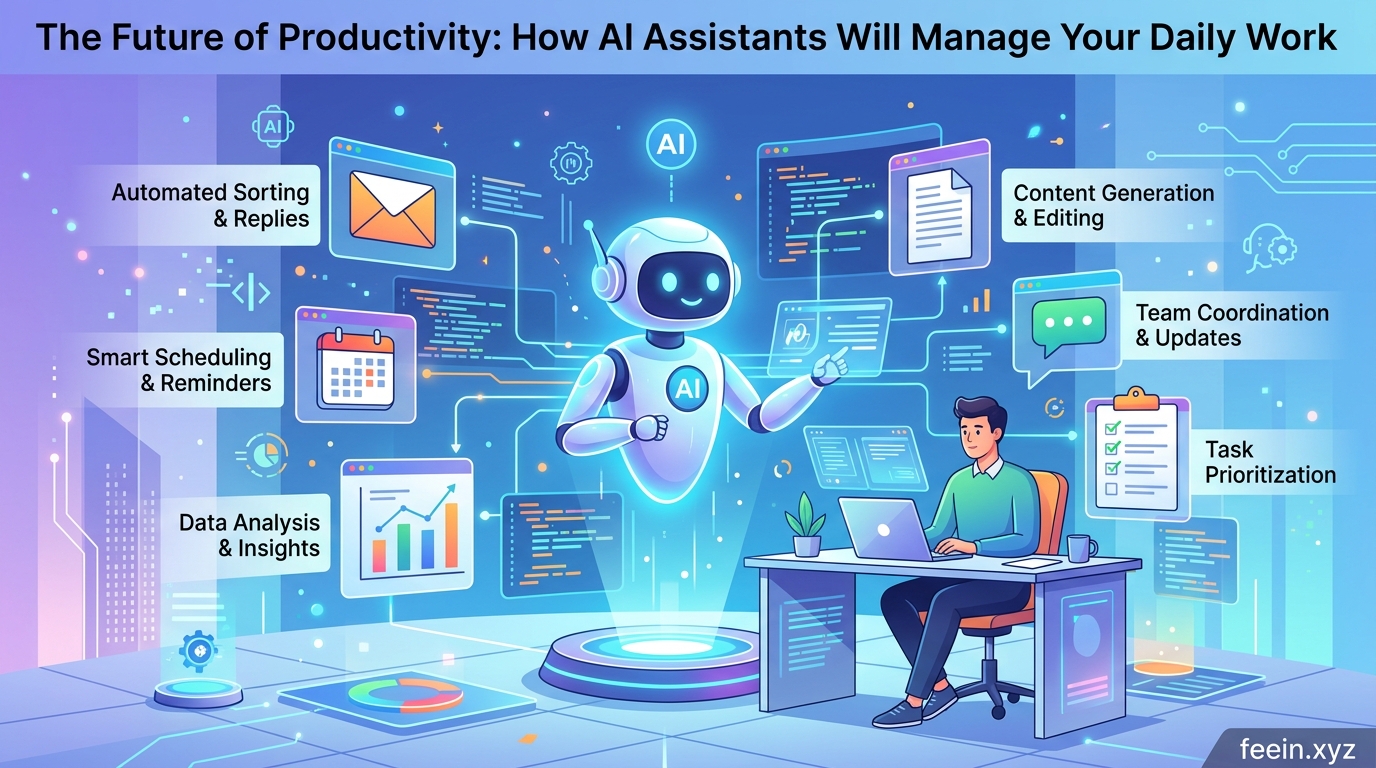
This shift is not theoretical. It is already happening in small ways inside email platforms, document tools, and business software.
In this article, we explore how AI assistants will change productivity, what is already happening today, and what this means for individuals and businesses.
What Are AI Productivity Assistants?
AI productivity assistants are intelligent systems designed to:
- Organize tasks
- Schedule meetings
- Write or summarize content
- Analyze information
- Suggest actions based on behavior
Unlike traditional software, they do not wait for commands only — they learn patterns and act proactively.
Simple Example
Instead of:
“Remind me to reply to email at 5 PM”
An AI assistant might:
- Detect an important email
- Suggest a reply draft
- Schedule the best time to respond automatically
How AI Assistants Are Already Changing Work
AI productivity tools are already embedded in:
- Email platforms
- Cloud document editors
- Project management tools
- Communication apps
But their role is still evolving.
1. Smart Scheduling
AI assistants now:
- Analyze your calendar
- Find free time automatically
- Suggest optimal meeting times
- Avoid conflicts across time zones
This removes manual planning entirely.
2. Email Management
Modern AI tools can:
- Sort important vs low-priority emails
- Summarize long threads
- Suggest replies
- Detect urgency automatically
3. Document Assistance
AI tools help users:
- Write reports
- Summarize research
- Improve grammar and structure
- Generate drafts faster
4. Task Automation
AI can now:
- Create tasks from messages
- Track deadlines
- Send reminders
- Update project status automatically
Real-World Productivity Shift
| Traditional Work | AI-Assisted Work |
|---|---|
| Manual scheduling | Auto scheduling |
| Reading long emails | AI summaries |
| Writing from scratch | AI-generated drafts |
| Task tracking manually | Auto-updated workflows |
| Searching for info | AI instant answers |
Why AI Assistants Are the Future of Productivity
The shift is happening for 3 major reasons:
1. Information Overload
People receive:
- Emails
- Messages
- Notifications
- Documents
AI helps reduce this overload by filtering and prioritizing.
2. Time Efficiency
Tasks that used to take 30 minutes now take 5 minutes or less.
3. Decision Support
AI does not just execute tasks — it:
- suggests actions
- predicts outcomes
- highlights risks
Practical Use Cases in Daily Life
For Students:
- Summarizing study notes
- Creating revision plans
- Organizing deadlines
For Businesses:
- Automating reports
- Managing meetings
- Tracking team progress
For Individuals:
- Managing schedules
- Organizing personal tasks
- Filtering important messages
Common Mistakes People Make
Even with AI assistants, users often:
Rely 100% on automation
AI assists — it does not replace judgment.
Ignore privacy settings
Some tools process sensitive data in cloud systems.
Use too many tools at once
This creates confusion instead of productivity.
Security and Trust Considerations
As AI assistants handle more data, users must consider:
- Data privacy policies
- Access permissions
- Encryption standards
- Third-party integrations
Trust will become a major factor in adoption.
What the Future Looks Like
In the next 5–10 years, AI assistants may:
- Manage entire workflows automatically
- Schedule and reschedule your day dynamically
- Write reports before you request them
- Act as personal digital managers
Instead of tools you open, they will become systems that work continuously in the background.
The future of productivity is not about working harder or faster manually.
It is about:
Letting intelligent systems handle routine work so humans can focus on thinking, creativity, and decision-making.
FAQ
Q1: Are AI assistants replacing human workers?
No. They are designed to assist, not replace, especially in repetitive tasks.
Q2: Do AI productivity tools require technical skills?
Most modern tools are user-friendly and require no coding or technical background.
Q3: Are AI assistants safe for business use?
Yes, but companies must choose tools with strong privacy and security standards.
Q4: Will AI fully manage daily life in the future?
It is likely that AI will handle many tasks, but human control will still remain essential.









