The modern workplace is undergoing a major transformation. Traditional offices built around physical desks, paper documents, and in-person meetings are gradually being replaced by smart workspaces — digital environments designed to support collaboration, automation, and flexibility.
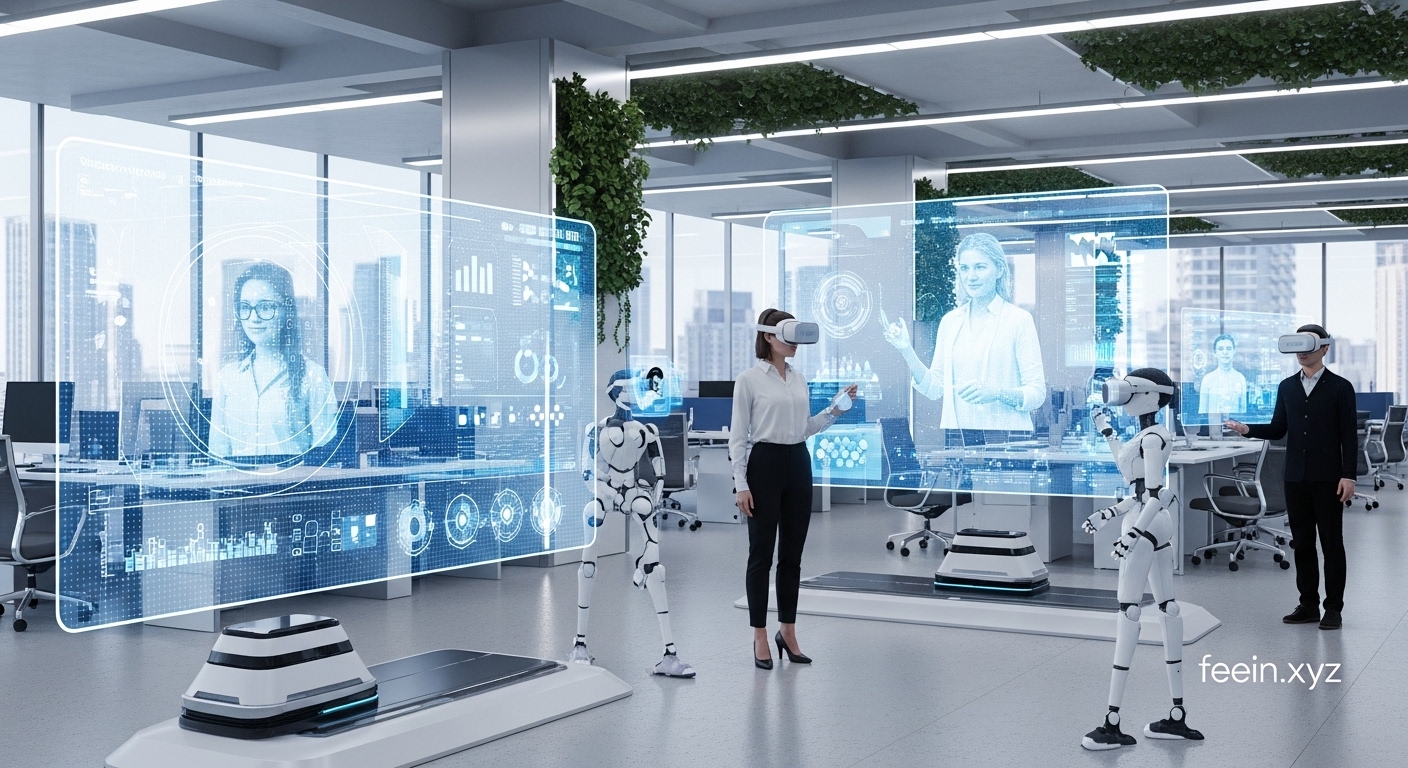
A smart workspace is not just about remote work. It combines cloud platforms, artificial intelligence, automation tools, and digital collaboration systems into a unified environment where teams can work efficiently from anywhere.
This shift is changing how organizations communicate, manage projects, and make decisions. Understanding how smart workspaces function helps businesses and individuals prepare for the future of work.
What Is a Smart Workspace?
A smart workspace is a digital-first working environment where tools, communication, documents, and workflows are centralized and accessible online. Instead of relying on physical office infrastructure, smart workspaces use integrated technologies to support productivity.
Key characteristics include:
- Cloud-based file storage
- Real-time collaboration tools
- AI-powered automation
- Digital task management
- Virtual meetings and communication platforms
- Cross-device accessibility
These features allow teams to work together regardless of location.
Why Traditional Offices Are Evolving
Traditional office setups often depend on physical presence and manual processes. This can create challenges such as:
- Limited flexibility
- Communication delays
- Document version conflicts
- Difficulty tracking tasks
- Dependency on office hardware
Smart workspaces address these issues by digitizing workflows and centralizing information.
For example, instead of sending document versions through email, team members can collaborate in real time on a shared platform. This reduces confusion and improves efficiency.
Core Technologies Behind Smart Workspaces
Smart workspaces rely on several key technologies working together.
Cloud Computing
Cloud platforms store files and applications online. This allows employees to access work from any device without installing software locally.
Benefits include:
- Easy file sharing
- Automatic backups
- Reduced hardware dependency
- Real-time collaboration
Artificial Intelligence
AI enhances smart workspaces by automating repetitive tasks and improving decision-making.
Examples include:
- Smart meeting summaries
- Automated scheduling
- Task prioritization suggestions
- Email categorization
These features reduce manual workload and help teams focus on important tasks.
Collaboration Platforms
Digital collaboration tools replace many traditional communication methods. They allow teams to:
- Chat in real time
- Share files instantly
- Hold virtual meetings
- Track project progress
This improves transparency and keeps everyone aligned.
Workflow Automation
Automation tools connect different apps and streamline repetitive processes.
For example:
- Automatically creating tasks from emails
- Sending reminders before deadlines
- Updating project status based on progress
- Syncing files across platforms
Automation reduces errors and saves time.
Real-World Example of a Smart Workspace
Consider a distributed marketing team working in different locations.
Instead of:
- Emailing documents
- Scheduling multiple meetings
- Manually tracking tasks
They use a smart workspace where:
- Projects are tracked on a shared dashboard
- Documents are edited collaboratively
- AI summarizes meeting notes
- Automation assigns tasks after meetings
This reduces delays and improves workflow efficiency.
Benefits of Smart Workspaces
Improved Productivity
Smart workspaces reduce time spent switching between tools. Integrated platforms allow teams to manage communication, tasks, and documents in one place.
Greater Flexibility
Employees can work from different locations while maintaining access to the same tools and information.
Better Collaboration
Real-time editing and communication improve teamwork and reduce misunderstandings.
Reduced Operational Costs
Digital workspaces reduce the need for physical office space, printed materials, and hardware infrastructure.
Improved Transparency
Managers and team members can track project progress, deadlines, and responsibilities more easily.
Challenges of Smart Workspaces
Despite the benefits, organizations may face some challenges when transitioning.
Tool Overload
Using too many platforms can create confusion. Selecting integrated tools is important.
Security Concerns
Digital environments require strong security practices, including access control and encryption.
Learning Curve
Employees may need training to use new systems effectively.
Internet Dependency
Smart workspaces rely on stable internet connections.
Best Practices for Building a Smart Workspace
Organizations adopting smart workspaces should consider these guidelines:
Centralize Communication
Use one primary platform for team communication to avoid fragmentation.
Standardize File Organization
Create consistent folder structures to prevent confusion.
Use Automation Carefully
Automate repetitive tasks but avoid unnecessary complexity.
Implement Access Controls
Limit file access based on roles to improve security.
Provide Training
Ensure team members understand how to use the tools effectively.
Future Trends in Smart Workspaces
Smart workspaces continue to evolve with new technologies.
AI-Powered Assistants
Digital assistants will help schedule meetings, summarize discussions, and manage tasks automatically.
Intelligent Document Search
Advanced search systems will locate information across platforms instantly.
Virtual Collaboration Environments
Immersive digital workspaces may allow teams to collaborate in interactive environments.
Predictive Workflow Automation
Systems will suggest next steps based on project progress and team activity.
Smart Workspace vs Traditional Office
| Feature | Traditional Office | Smart Workspace |
|---|---|---|
| Document Sharing | Email attachments | Real-time collaboration |
| Communication | In-person meetings | Digital communication tools |
| Task Tracking | Manual updates | Automated dashboards |
| Accessibility | Office-only | Anywhere access |
| Workflow Automation | Limited | Integrated automation |
This comparison highlights why organizations are transitioning to digital-first environments.
Smart workspaces are reshaping how teams operate by combining cloud platforms, collaboration tools, AI, and automation into unified digital environments. These systems improve communication, enhance productivity, and support flexible work models.
While transitioning requires planning and training, the long-term benefits make smart workspaces a key component of the future of work. As technology continues to evolve, fully digital offices are likely to become the standard for many organizations.
FAQ
What is a smart workspace?
A smart workspace is a digital work environment that uses cloud tools, automation, and collaboration platforms to support remote and hybrid teams.
Are smart workspaces only for remote teams?
No. They can also improve productivity for in-office and hybrid teams.
Do smart workspaces reduce the need for physical offices?
In some cases, yes. Many organizations use smart workspaces to support flexible work arrangements.
Are smart workspaces secure?
They can be secure when using strong passwords, access control, and encryption features.









