Productivity tools are designed to help people work faster, stay organized, and improve communication. From task management platforms to messaging apps and calendar systems, modern workplaces rely heavily on digital tools to coordinate daily operations.
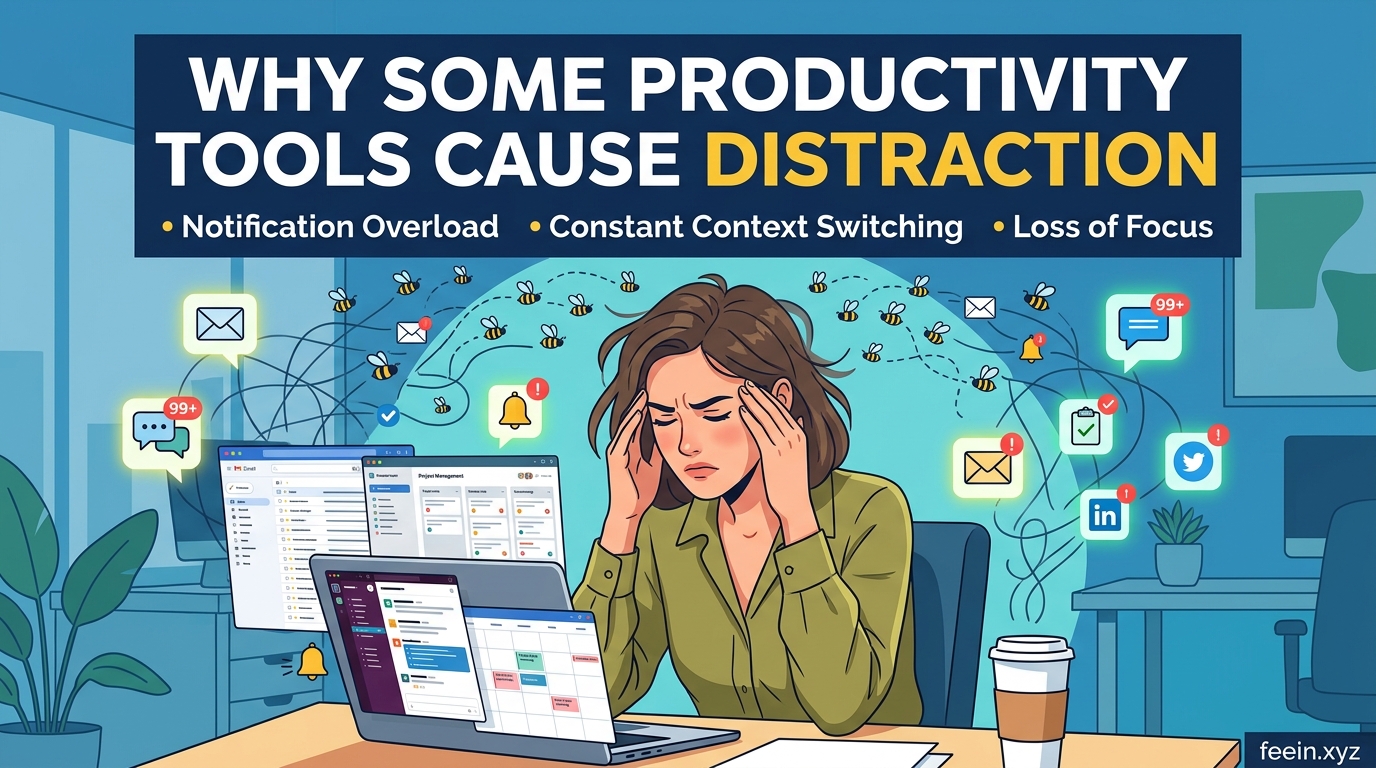
However, many employees and remote teams are beginning to experience an unexpected problem:
the very tools meant to improve efficiency are sometimes becoming a major source of distraction.
In recent years, organizations have adopted more digital platforms than ever before. While these tools provide convenience and automation, excessive notifications, fragmented workflows, and constant interruptions can reduce concentration and increase mental fatigue.
This article explores why some productivity tools create more distraction than efficiency, how this affects modern work environments, and what individuals and teams can do to build healthier digital workflows.
The Growing Dependence on Productivity Software
Modern work environments depend on software for nearly every task:
- Communication
- File sharing
- Project tracking
- Scheduling
- Team collaboration
- Reporting
- Documentation
A typical employee may use several tools simultaneously throughout the day. For example:
- One app for messaging
- Another for video meetings
- A separate platform for task management
- Cloud storage software for files
- Email for formal communication
Although each tool solves a specific problem, using too many systems at once can create workflow fragmentation.
Instead of simplifying work, employees may spend large portions of the day switching between applications.
The Hidden Cost of Constant Notifications
One of the biggest productivity challenges is notification overload.
Many platforms continuously send alerts for:
- Messages
- Mentions
- Status updates
- Calendar reminders
- File edits
- System notifications
At first glance, notifications appear helpful. They keep users informed and connected.
But research in workplace psychology shows that frequent interruptions reduce deep focus and increase cognitive fatigue.
Even short interruptions can disrupt concentration. After checking a notification, the brain often needs several minutes to fully regain focus on the original task.
Over time, this creates a fragmented work experience where employees are constantly reacting instead of thinking deeply.
Real-World Example: The “Always Available” Problem
Consider a remote marketing team using:
- instant messaging software,
- email,
- project management tools,
- video conferencing platforms,
- collaborative document editors.
During a normal workday, employees may receive dozens of notifications every hour.
A team member writing a report may be interrupted repeatedly by:
- direct messages,
- meeting reminders,
- task comments,
- document updates.
Although none of these interruptions are individually serious, together they reduce productivity significantly.
Employees often feel busy all day while accomplishing less meaningful work.
This phenomenon is becoming increasingly common in digital workplaces.
Why More Tools Do Not Always Mean Better Productivity
Many organizations assume that adding more tools automatically improves efficiency.
In reality, excessive software can create:
1. Workflow Complexity
Employees spend more time navigating systems than completing tasks.
2. Information Fragmentation
Important updates become scattered across multiple platforms.
3. Decision Fatigue
Constant alerts and choices increase mental exhaustion.
4. Reduced Deep Work
Workers lose uninterrupted time needed for problem-solving and creativity.
Instead of creating streamlined operations, poorly managed tool ecosystems often increase stress and confusion.
The Difference Between Activity and Productivity
One important misconception in modern workplaces is confusing activity with productivity.
Responding to messages quickly may create the appearance of efficiency, but real productivity usually comes from:
- focused problem-solving,
- strategic thinking,
- uninterrupted creative work,
- long-term planning.
Employees who constantly switch between notifications may appear highly active while making slower progress on meaningful tasks.
True productivity is not measured by how many alerts someone answers.
It is measured by the quality and impact of completed work.
How Productivity Tools Affect Mental Focus
Human attention has limitations.
Studies on cognitive performance suggest that multitasking reduces efficiency because the brain continuously shifts context between tasks.
Productivity platforms unintentionally encourage this behavior through:
- pop-up alerts,
- rapid communication expectations,
- instant reply culture,
- continuous task switching.
As a result, employees may experience:
- mental fatigue,
- reduced concentration,
- higher stress levels,
- lower job satisfaction.
Over time, digital overload can contribute to burnout in remote and hybrid workplaces.
Common Mistakes Teams Make With Productivity Software
Using Too Many Platforms
Some organizations adopt new tools without removing old ones.
This creates overlapping systems that confuse employees.
Expecting Immediate Responses
Constant availability pressures employees to monitor notifications all day instead of focusing deeply.
Poor Communication Structure
Without clear guidelines, conversations become scattered across chats, emails, and task comments.
Excessive Meetings
Some collaboration tools increase meeting frequency rather than reducing unnecessary communication.
How Teams Can Reduce Digital Distraction
The solution is not eliminating productivity tools completely.
Instead, organizations should build healthier digital workflows.
1. Reduce Unnecessary Notifications
Employees should disable non-essential alerts whenever possible.
Not every update requires immediate attention.
2. Use Fewer Tools More Effectively
A smaller, well-organized system is often more productive than dozens of disconnected apps.
3. Create Communication Guidelines
Teams should define:
- when to use chat,
- when to send email,
- when meetings are necessary,
- expected response times.
This reduces communication chaos.
4. Protect Deep Work Time
Many organizations now encourage “focus hours” where notifications and meetings are minimized.
This helps employees complete complex work without interruption.
5. Organize Digital Workspaces Clearly
Channels, folders, and projects should follow consistent structures so employees can quickly find information.
The Role of Remote Work in Digital Overload
Remote work increased the demand for digital collaboration tools.
While remote systems improve flexibility, they also blur boundaries between work and personal time.
Many employees feel pressure to stay connected throughout the day.
This constant connectivity can make workers feel mentally “online” even after working hours end.
Healthy remote work environments require balance, not permanent availability.
The Future of Productivity Tools
Software developers are increasingly aware of digital fatigue problems.
Future productivity platforms may focus more on:
- reducing interruptions,
- improving workflow simplicity,
- AI-powered task prioritization,
- smarter notification filtering,
- focus-oriented work environments.
The goal is shifting from “constant engagement” toward sustainable productivity.
Productivity tools can improve communication, organization, and collaboration when used correctly. However, excessive notifications, fragmented workflows, and digital overload can reduce focus and create unnecessary stress.
More tools do not automatically create better productivity.
In many cases, efficiency improves when teams simplify workflows, reduce distractions, and create healthier communication habits.
The most productive workplaces are not always the busiest ones.
They are often the environments where people can focus clearly, communicate effectively, and work without constant interruption.
Frequently Asked Questions
Q1: Can productivity tools reduce efficiency?
Yes. Poorly managed tools and excessive notifications can interrupt focus and increase mental fatigue.
Q2: Why do employees feel overwhelmed by productivity software?
Many workers use too many platforms simultaneously, leading to constant context switching and information overload.
Q3: Are notifications always harmful?
No. Important notifications are useful, but excessive alerts can reduce concentration and productivity.
Q4: How can remote teams avoid digital overload?
Remote teams can reduce distractions by limiting unnecessary tools, organizing communication clearly, and protecting focused work time.
Q5: Is multitasking productive?
Research suggests that constant multitasking often reduces focus and increases cognitive fatigue compared to deep, uninterrupted work.









