Skip to content

Feein

  • Home
  • Software Tools
  • Smart Tech
  • Guides
  • Future Tech

How-To & Beginner Guides

How to Protect Your Devices from Malware

February 17, 2026 by Liam Carter
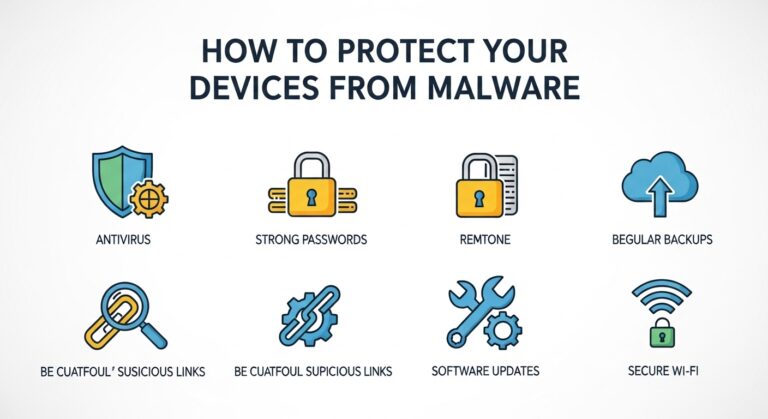
Best antivirus software protecting laptop from malware and ransomware attacks in 2026

Introduction In today’s digital world, protecting your devices from malware is more important than ever. Whether you use …

Read more

Beginner’s Guide to Setting Up a Secure Website

February 16, 2026 by Liam Carter

Beginner setting up a secure website with SSL certificate, firewall protection, and cybersecurity tools on laptop dashboard

Creating a website is easier than ever, but keeping it secure requires careful planning. Whether you are building …

Read more

How to Back Up Your Data Safely

February 14, 2026 by Liam Carter

How to back up your important computer and smartphone data safely

Introduction In today’s digital world, your data is one of your most valuable assets. Photos, documents, project files, …

Read more

How to Secure Your Wi-Fi Network at Home

February 12, 2026 by Liam Carter
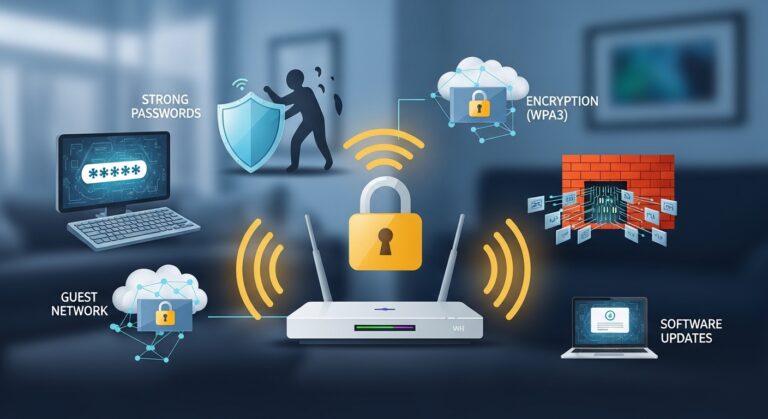
Secure your home Wi-Fi network with a strong password and encryption

Introduction Wi-Fi is the backbone of most modern homes, connecting your computers, smartphones, smart devices, and even home …

Read more

How to Set Up a Home Office with Tech Efficiency

February 11, 2026 by Liam Carter
Modern home office setup with dual monitors, ergonomic chair, wireless keyboard, and smart desk lighting for tech efficiency

Introduction Working from home has become common for freelancers, remote employees, and business owners. However, simply placing a …

Read more

How to Optimize Images for Faster Website Loading

February 11, 2026 by Liam Carter
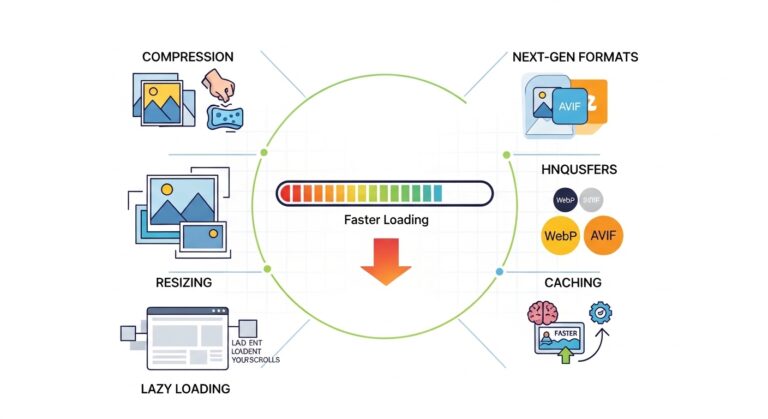
How to optimize images for faster website loading using compression tools

Introduction Website speed plays a critical role in user experience, search engine rankings, and overall performance. One of …

Read more

Beginner’s Guide to Website Security

February 11, 2026 by Liam Carter

Beginner’s guide to website security concept with laptop, padlock icon, and cybersecurity protection interface

Introduction Website security is no longer optional. Whether you run a personal blog, a business website, or an …

Read more

Newer posts
← Previous Page1 Page2

Categorys

  • Future Tech & Innovations
  • How-To & Beginner Guides
  • Smart Devices & Emerging Tech
  • Software & Productivity Tools
  • Tech Basics & Principles
  • Uncategorized

Recent Posts

  • Team members using modern productivity software to manage tasks, collaborate online, and organize workflow efficiently in a digital workspace.How Modern Productivity Software Helps Teams Save Time and Stay Organized
  • Teams making common productivity mistakes while using digital tools in a modern office workflowCommon Productivity Mistakes Teams Make When Using Digital Tools
  • Step by step illustration showing what happens when a website address is entered into a web browser including DNS lookup server request and webpage loading processWhat Happens When You Type a Website Address Into Your Browser? A Step by Step Technical Breakdown
  • Why slow internet happens because of weak Wi-Fi signals, network congestion, outdated routers, and background apps using bandwidthWhy Slow Internet Happens Common Causes and Practical Fixes Most People Ignore
  • Modern web browser displaying advanced security protection against dangerous and malicious websitesHow Modern Browsers Protect Users From Dangerous Websites

f

  • Privacy Policy
  • Terms and Conditions
  • About Us
  • Contact us
  • DMCA
© Feein 2026









