Few things are more frustrating than a slow internet connection, especially during video calls, online gaming, streaming, or remote work. Many people immediately blame their internet provider, but in reality, slow internet is often caused by multiple hidden factors inside the home network itself.
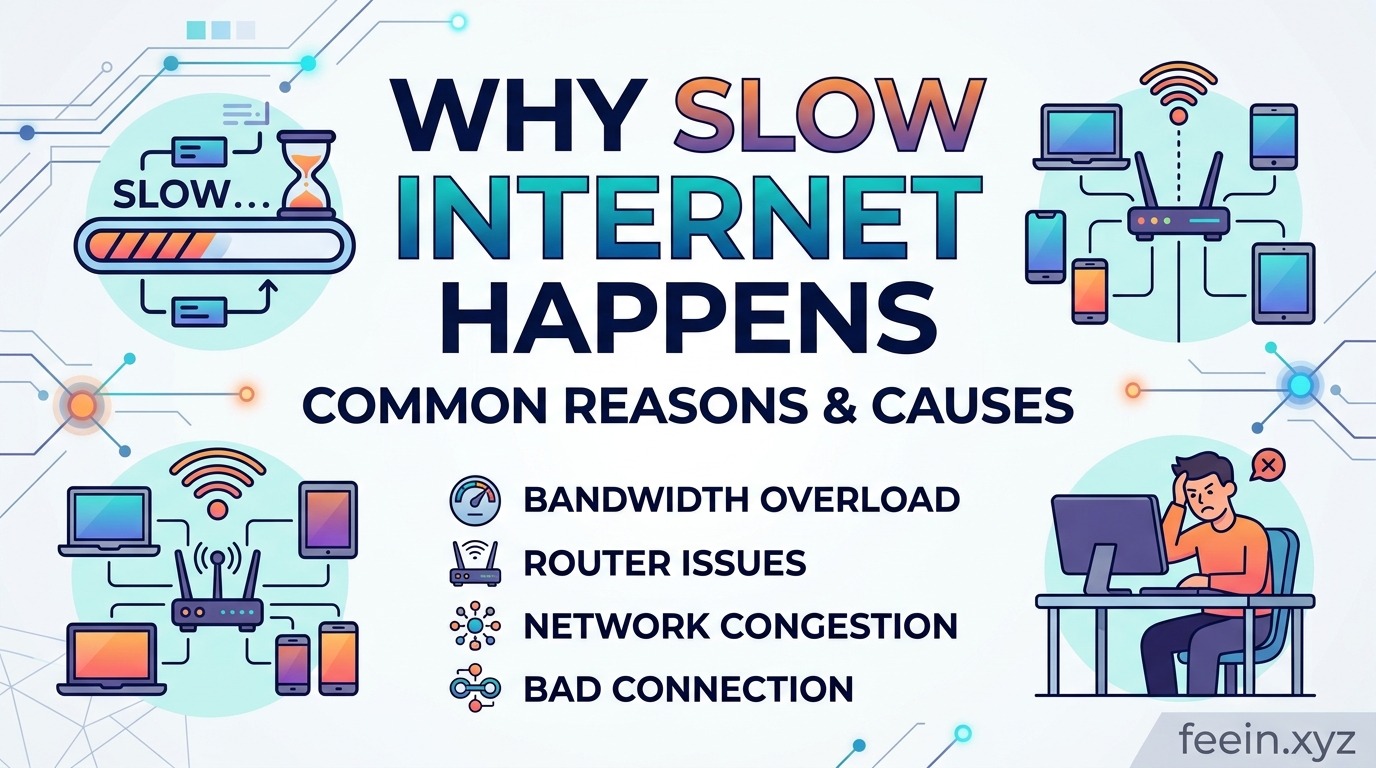
In many cases, users pay for high-speed internet plans but still experience buffering, lag, or unstable connections because of poor router placement, device overload, outdated hardware, or signal interference.
This guide explains why slow internet happens, using practical real-world examples and technical explanations that are easy to understand. More importantly, it covers practical fixes that many users overlook.
Understanding How Home Internet Works
Before solving slow internet problems, it helps to understand the basics of how a home network functions.
A typical internet setup includes:
- An internet service provider (ISP)
- A modem
- A router
- Connected devices such as phones, laptops, TVs, and smart devices
The modem receives internet access from the provider, while the router distributes the connection wirelessly or through Ethernet cables.
Even if the ISP provides fast speeds, problems inside the home network can still reduce performance significantly.
Common Cause #1: Poor Router Placement
One of the most overlooked reasons for slow internet is router location.
Many users place routers:
- behind televisions
- inside cabinets
- near walls
- on the floor
- in corners of the house
This weakens signal distribution dramatically.
Real-World Example
A remote worker experienced constant video call interruptions despite paying for high-speed fiber internet. After testing the network, the main issue was discovered:
The router had been placed behind a large metal TV stand in the corner of the apartment.
After moving the router to a central open location, download speeds improved noticeably in multiple rooms.
Why Walls Reduce Wi-Fi Speed
Wi-Fi signals travel through radio waves. Physical objects weaken these signals.
Some materials block Wi-Fi more than others:
| Material | Signal Impact |
|---|---|
| Wood | Low |
| Glass | Moderate |
| Brick | High |
| Concrete | Very High |
| Metal | Severe |
This explains why internet speed often drops in rooms farther from the router.
Large homes especially suffer from signal degradation when the router is poorly positioned.
Common Cause #2: Too Many Connected Devices
Modern households often connect dozens of devices simultaneously:
- smartphones
- laptops
- smart TVs
- gaming consoles
- security cameras
- smart speakers
Each connected device consumes bandwidth and router resources.
Hidden Problem Most People Ignore
Some devices continue using bandwidth even when not actively used.
Examples include:
- automatic cloud backups
- software updates
- streaming services running in the background
- smart home synchronization
This creates silent network congestion.
Common Cause #3: Old Routers and Outdated Hardware
Technology changes quickly.
Older routers may not support:
- modern Wi-Fi standards
- higher bandwidth
- improved signal handling
- multiple device optimization
Many users continue using routers provided years ago by internet companies.
Real-World Observation
In apartments with many nearby Wi-Fi networks, older routers struggle more with interference because they cannot efficiently manage crowded wireless channels.
Replacing outdated hardware often improves performance immediately without changing internet plans.
Understanding Wi-Fi Interference
Wi-Fi signals compete with other electronic devices.
Common interference sources include:
- microwaves
- Bluetooth devices
- baby monitors
- cordless phones
- neighboring Wi-Fi networks
This is especially common in apartment buildings.
2.4 GHz vs 5 GHz Networks
Modern routers usually support two wireless bands:
2.4 GHz
Advantages:
- longer range
- better wall penetration
Disadvantages:
- slower speeds
- more interference
5 GHz
Advantages:
- faster speeds
- lower interference
Disadvantages:
- shorter range
Many users unknowingly stay connected to slower bands even when faster options are available.
Common Cause #4: Background Applications Consuming Bandwidth
Internet slowdowns are not always caused by the network itself.
Applications running silently in the background can heavily consume bandwidth.
Examples include:
- cloud synchronization software
- automatic operating system updates
- online backups
- streaming apps
- browser tabs with video content
A single large software update can reduce speeds for the entire household.
Common Cause #5: Weak Security and Unauthorized Users
Some users experience slow internet because unauthorized people access their network.
Weak passwords such as:
- 12345678
- password123
- homewifi
make networks vulnerable.
Unauthorized devices consume bandwidth and may create security risks.
Practical Fixes That Actually Help
1. Move the Router to a Central Location
The best router position is:
- elevated
- open
- central within the home
Avoid:
- closets
- cabinets
- floors
- metal surfaces
2. Restart the Router Regularly
Routers operate continuously and can develop temporary performance issues over time.
Restarting the router occasionally helps clear memory and refresh connections.
3. Use Ethernet for Important Devices
For gaming PCs, work computers, or streaming devices:
Ethernet cables provide:
- lower latency
- higher stability
- faster consistent speeds
Wireless connections are convenient but less stable.
4. Upgrade Old Hardware
If the router is several years old, upgrading can significantly improve:
- coverage
- stability
- device handling
- speed consistency
Modern routers manage multiple devices more efficiently.
5. Secure the Wi-Fi Network
Strong passwords help prevent unauthorized access.
Recommended practices include:
- WPA2 or WPA3 encryption
- unique passwords
- disabling unknown devices
The Psychological Side of Slow Internet
Interestingly, users often notice slow internet more during:
- stress
- work pressure
- live meetings
- gaming sessions
Short interruptions feel larger when activities depend heavily on stable connectivity.
This is why improving consistency is often more important than chasing maximum speed numbers.
When the Internet Provider Is Actually the Problem
Although many slowdowns originate inside the home, providers can still contribute through:
- network congestion
- infrastructure limitations
- regional outages
- overloaded peak-hour traffic
Running speed tests at different times of day helps identify provider-related issues.
Slow internet is usually caused by a combination of factors rather than a single problem. Poor router placement, signal interference, outdated hardware, bandwidth-heavy applications, and overloaded networks all contribute to reduced performance.
The good news is that many of these problems can be improved with simple adjustments that most people overlook.
Understanding how home networks function helps users make smarter decisions about router placement, device management, and network security — resulting in a faster and more stable internet experience.
Frequently Asked Questions
Q1: Why is my internet slow even with a high-speed plan?
High-speed plans cannot fully compensate for poor router placement, interference, or outdated hardware.
Q2: Does restarting the router really help?
Yes. Restarting can refresh connections and clear temporary performance issues.
Q3: Is Ethernet better than Wi-Fi?
Yes. Ethernet connections are generally faster and more stable than wireless connections.
Q4: How often should I upgrade my router?
For most users, upgrading every 4–6 years helps maintain compatibility with modern devices and standards.
Q5: Can neighbors affect my Wi-Fi speed?
Yes. Nearby Wi-Fi networks can create interference, especially in apartment buildings.









