Introduction
Smart home devices are becoming part of everyday life. From voice assistants that answer questions to thermostats that automatically adjust temperature, these technologies are designed to make homes more convenient, efficient, and secure.
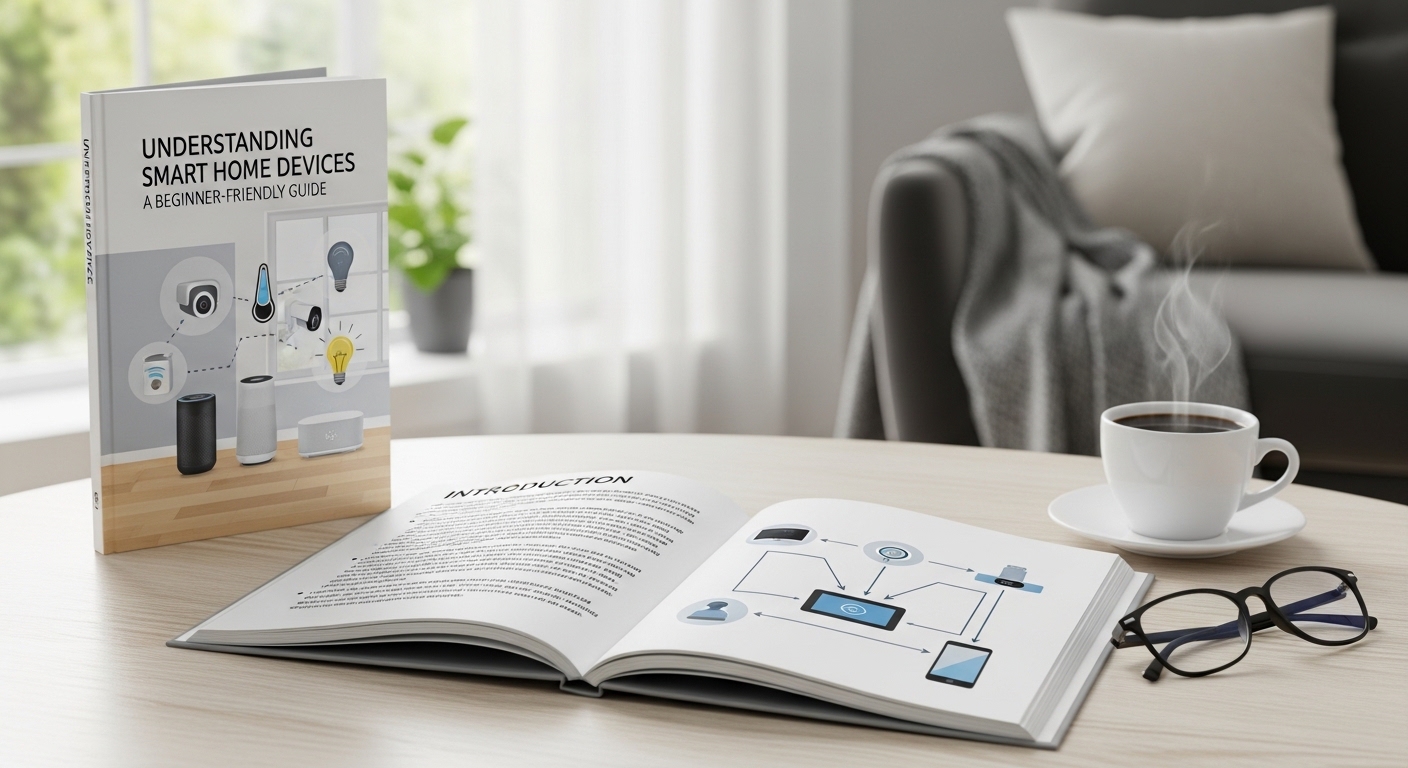
If you’re new to smart home technology, it can feel overwhelming at first. There are many brands, devices, and technical terms to understand. In this guide, we’ll explain what smart home devices are, how they work, their benefits, and what to consider before installing them — in simple, practical language.
This article is designed for beginners who want a clear and honest explanation without complicated jargon.
What Are Smart Home Devices?
Smart home devices are electronic products that connect to the internet and can be controlled remotely through a smartphone app, voice command, or automation system.
Unlike traditional devices, smart devices can:
-
Communicate with other devices
-
Be controlled from anywhere with internet access
-
Perform automated tasks based on settings or schedules
For example:
-
A smart light can turn on automatically at sunset.
-
A smart thermostat can adjust temperature when you leave home.
-
A smart doorbell can send a video notification when someone is at your door.
The key difference is connectivity and automation.
Common Types of Smart Home Devices
There are many categories of smart home products. Here are the most common ones:
1. Smart Speakers and Voice Assistants
Devices like smart speakers allow users to control other smart products using voice commands. They can also:
-
Play music
-
Set reminders
-
Answer general questions
-
Control lighting and appliances
2. Smart Lighting
Smart bulbs and switches let you:
-
Adjust brightness remotely
-
Change colors
-
Schedule lighting times
-
Reduce energy usage
3. Smart Thermostats
These devices learn your habits and adjust heating or cooling automatically. Many models help reduce energy consumption by optimizing temperature settings.
4. Smart Security Devices
Examples include:
-
Smart cameras
-
Video doorbells
-
Motion sensors
-
Smart locks
These devices allow homeowners to monitor their property remotely and receive alerts when activity is detected.
5. Smart Appliances
Modern refrigerators, washing machines, and even coffee makers can connect to apps for remote control and monitoring.
How Do Smart Home Devices Work?
Most smart home devices operate using three core components:
1. Internet Connectivity
Devices connect through:
-
Wi-Fi
-
Bluetooth
-
Zigbee or similar wireless protocols
This connection allows them to send and receive information.
2. Mobile Applications
Most smart products include an app that allows users to:
-
Control the device
-
Adjust settings
-
Monitor performance
-
Set schedules
3. Automation and Integration
Many smart devices can connect to a central system or voice assistant. This allows multiple devices to work together.
For example:
-
When you leave home, lights turn off automatically.
-
When motion is detected at night, outdoor lights switch on.
-
When temperature drops, heating activates.
This interconnected system is often referred to as a smart home ecosystem.
Benefits of Smart Home Devices
Smart home technology offers several practical advantages.
Convenience
Remote control and automation reduce daily tasks. You can control lights, temperature, and appliances from your phone.
Energy Efficiency
Smart thermostats and lighting systems can help reduce energy usage by operating only when needed.
Enhanced Security
Security cameras and motion alerts provide real-time monitoring and peace of mind.
Customization
Users can create schedules and automation routines that match their lifestyle.
Are Smart Home Devices Safe?
Security is an important consideration.
Because smart devices connect to the internet, they can be vulnerable if not properly secured. However, risks can be reduced by:
-
Using strong, unique passwords
-
Enabling two-factor authentication when available
-
Keeping device software updated
-
Securing your home Wi-Fi network
Manufacturers continuously improve security features, but users also play an important role in maintaining safety.
Things to Consider Before Buying
Before installing smart home devices, consider the following:
Compatibility
Not all devices work with every platform. Make sure the product is compatible with your preferred ecosystem.
Internet Reliability
A stable Wi-Fi connection is essential for smooth performance.
Budget
Start small if needed. Many homeowners begin with lighting or a smart speaker and expand gradually.
Privacy Policies
Review how the manufacturer handles data collection and storage.
Smart Home Devices for Beginners
If you’re just starting, these devices are often easiest to set up:
-
Smart light bulbs
-
Smart plugs
-
Smart speakers
-
Smart doorbells
These products usually require minimal installation and provide immediate benefits.
The Future of Smart Homes
Smart home technology continues to evolve. Trends include:
-
Improved energy management systems
-
Better device integration
-
More advanced voice control
-
Increased focus on security and privacy
As technology develops, smart homes are likely to become more efficient, connected, and user-friendly.
Conclusion
Smart home devices are designed to improve convenience, efficiency, and security. While the technology may seem complex at first, most devices are straightforward to install and use.
By starting with basic products and ensuring proper security settings, homeowners can gradually build a connected system that suits their needs.
Understanding how smart home devices work helps you make informed decisions and use technology responsibly. With thoughtful planning, smart devices can become a practical and helpful part of everyday life.
Frequently Asked Questions (FAQ)
1. Do smart home devices require a subscription?
Some devices offer optional subscription services for advanced features like cloud storage. Basic functionality usually works without a subscription.
2. Can smart devices work without internet?
Many features require internet access. However, some devices may still function locally through Bluetooth or manual controls.
3. Are smart home devices difficult to install?
Most beginner devices are designed for easy installation and come with step-by-step app instructions.
4. Do smart devices increase electricity usage?
They consume small amounts of power, but many help reduce overall energy usage through automation.









