
In a world where cyber attacks and account breaches happen daily, relying on a password alone is like locking your front door with a sticky note. That’s where Two‑Factor Authentication (2FA) comes in — an extra layer of security that makes sure you are really the person trying to access an online account, even if someone else knows your password.
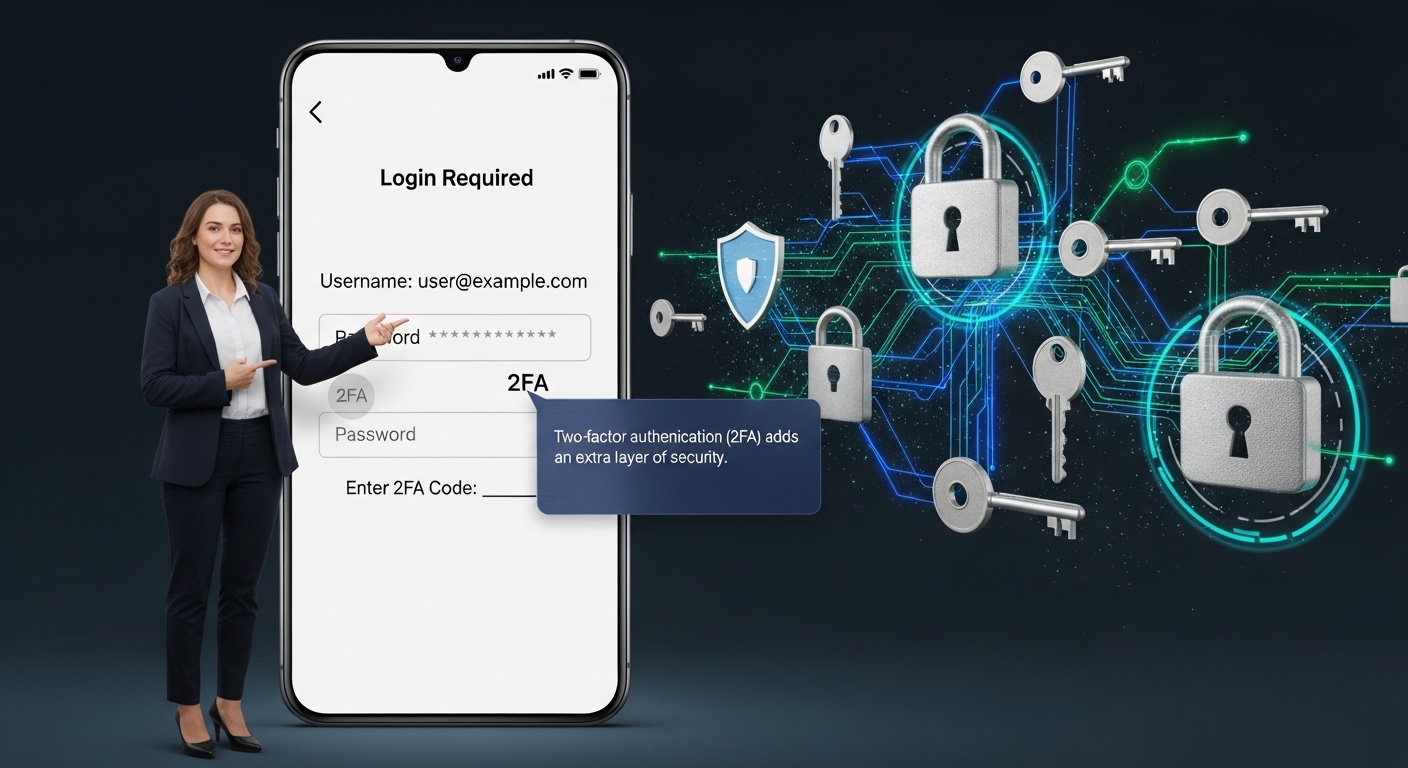 Two-Factor Authentication (2FA) adds an extra layer of security by requiring a password and a second verification factor like a mobile code or biometric scan.
But 2FA isn’t just a buzzword. It’s a practical step millions of people and businesses use every day to protect sensitive data — from social media to banking and even work email accounts.
What Is Two‑Factor Authentication (2FA)?
Two‑Factor Authentication, often abbreviated as 2FA, is a security method that requires two different pieces of evidence to confirm your identity before granting access to an account.
Instead of logging in with just a password, 2FA asks for something additional — making it much harder for attackers to get in.
The Two Factors Explained:
Normally, 2FA comes from two of these categories:
Something you know: a password or PIN
Something you have: your phone, security key, or authenticator app
Something you are: biometric data such as fingerprints or face ID
For example:
You enter your password first, and then receive a code on your phone that you must enter to log in. That second step is your 2FA.
This makes 2FA a specific type of Multifactor Authentication (MFA), but with exactly two authentication steps.
How Two‑Factor Authentication Works (Step‑by‑Step)
Let’s look at a familiar scenario:
-
You visit a website and enter your password.
-
The system asks for the second factor.
-
It might send a code to your phone.
-
Or prompt a push notification.
-
Or ask for a biometric scan.
-
-
You enter the second factor.
-
Access is granted.
This extra step blocks attackers even if your password is stolen.
Examples of 2FA in Real Life
Here are some common scenarios where 2FA protects you:
Email Accounts
You log in with your password, then enter a code sent to your phone before you can view your inbox.
Banking Apps
Banks often require a second factor (like OTP or biometrics) when transferring money.
Cloud Storage Platforms
Before accessing documents on Google Drive or OneDrive, you may confirm a push notification.
These real examples show that 2FA isn’t theoretical — it’s something millions already use daily.
Types of 2FA and Which Are Best
2FA isn’t one‑size‑fits‑all. Here are the most common methods:
SMS / Text Code
A code is sent to your phone via SMS.
Easy to use
Slightly vulnerable to SIM swap attacks
Authenticator Apps
Apps like Google Authenticator or Authy generate time‑based codes.
Strong security
Works offline
Push Notifications
You approve a login attempt with a tap.
Very user‑friendly
Faster than entering codes
Biometrics
Fingerprint or face recognition is used as a second factor.
Extremely secure
Requires biometric‑capable devices
Hardware Security Keys
Physical devices like YubiKey that plug into your computer or phone.
Highest level of protection
Extra cost, physical device required
Why 2FA Matters More Than Ever
Passwords alone are vulnerable.
Hackers use techniques like:
-
Phishing
-
Credential stuffing
-
Brute‑force attacks
That means stolen passwords are common. Even if a hacker has your login, 2FA stops them cold because they still need your second factor.
This is especially important for:
Email accounts
Financial services
Social media platforms
Business tools and SaaS apps
Common Misconceptions About 2FA
“2FA makes it too complicated.”
While it adds a step, the extra seconds are worth the peace of mind — and many 2FA methods are very fast.
“SMS 2FA is enough.”
SMS codes are better than nothing, but apps and hardware keys are more secure.
“I won’t be targeted.”
Anyone can be targeted — hackers often start with the weakest protected accounts and use them to move laterally.
How to Enable 2FA on Popular Accounts
Most major services make 2FA easy to enable:
-
Go to Account Settings
-
Find Security or Login Options
-
Select Two‑Factor Authentication
-
Choose your preferred method (SMS, app, or key)
This simple process can significantly reduce your risk of unauthorized access.
Two‑Factor Authentication (2FA) is more than a security feature — it’s a critical safeguard in today’s digital world. It protects your accounts by making login attempts significantly harder for attackers, even if they steal your password. Whether you use SMS codes, authenticator apps, biometrics, or hardware keys, enabling 2FA is one of the most effective steps you can take right now to secure your online presence.
FAQ
Q1: Is 2FA mandatory for everyone?
Not mandatory, but highly recommended — especially for accounts with sensitive information.
Q2: Can 2FA stop all hacking attempts?
No security is perfect, but 2FA greatly reduces the risk of unauthorized access.
Q3: What if I lose my phone?
Most services offer backup codes or alternate verification methods.
Q4: Are hardware keys better than apps?
Yes — hardware security keys provide the strongest protection, especially against phishing.