
Introduction
In today’s digital world, protecting your devices from malware is more important than ever. Whether you use a laptop for work, a smartphone for communication, or a tablet for browsing, every connected device is exposed to potential security risks.
Malware can slow down your system, steal personal information, and even cause permanent data loss. The good news is that with the right knowledge and preventive steps, you can significantly reduce your risk.
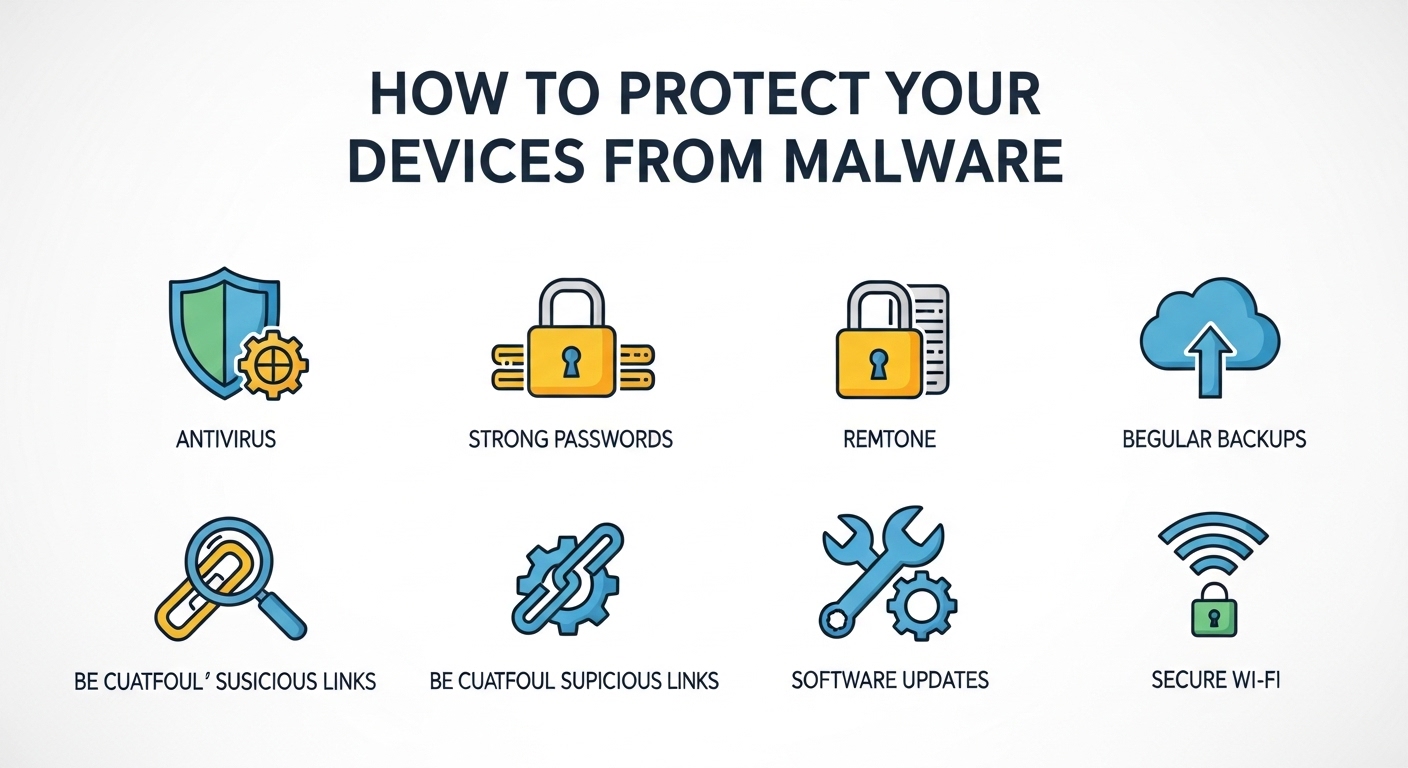
In this guide, you’ll learn what malware is, how it spreads, and practical steps you can take to protect your devices effectively.
What Is Malware?
Malware is short for “malicious software.” It refers to programs designed to harm, disrupt, or gain unauthorized access to a device or network.
Common types of malware include:
-
Viruses – Attach to files and spread when opened
-
Spyware – Secretly collects user information
-
Ransomware – Locks files and demands payment
-
Trojans – Disguised as legitimate software
-
Adware – Displays unwanted advertisements
Understanding these threats is the first step toward protecting your devices.
How Malware Spreads
Malware doesn’t appear randomly. It usually spreads through:
-
Downloading files from untrusted websites
-
Clicking suspicious email links or attachments
-
Installing unofficial software
-
Visiting compromised websites
-
Using unsecured public Wi-Fi networks
Being aware of these common entry points helps reduce risk significantly.
1. Keep Your Software Updated
One of the simplest and most effective security measures is keeping your operating system and applications updated.
Software updates often include:
-
Security patches
-
Bug fixes
-
Performance improvements
Outdated systems are easier targets for attackers. Enable automatic updates whenever possible.
2. Install Reliable Antivirus Software
Antivirus software helps detect and remove malware before it causes damage.
Look for solutions that provide:
-
Real-time protection
-
Automatic scanning
-
Web protection features
-
Regular definition updates
While no tool guarantees 100% protection, antivirus software adds an important layer of defense.
3. Avoid Suspicious Links and Attachments
Phishing emails are one of the most common ways malware spreads.
Before clicking any link:
-
Check the sender’s email address carefully
-
Avoid urgent or threatening messages
-
Hover over links to preview URLs
-
Do not download unexpected attachments
If something feels suspicious, it’s better not to click.
4. Use Strong, Unique Passwords
Weak passwords make it easier for attackers to gain access to your accounts.
Best practices include:
-
Using at least 12 characters
-
Combining letters, numbers, and symbols
-
Avoiding personal information
-
Using different passwords for each account
Consider using a password manager to store credentials securely.
5. Enable Two-Factor Authentication (2FA)
Two-factor authentication adds an extra layer of protection by requiring a second verification step.
This could include:
-
A code sent to your phone
-
A fingerprint scan
-
A security app confirmation
Even if someone obtains your password, 2FA makes unauthorized access much harder.
6. Be Careful with Public Wi-Fi
Public Wi-Fi networks are convenient but can be risky.
To stay safe:
-
Avoid accessing sensitive accounts on public networks
-
Use a secure connection
-
Disable automatic Wi-Fi connections
-
Turn off file sharing when not needed
Using additional security tools can further reduce risk when connecting outside your home network.
7. Back Up Your Data Regularly
Even with strong protection, no system is completely immune.
Regular backups ensure you can recover your files if malware strikes.
You can back up data using:
-
External hard drives
-
Secure cloud storage
-
Automatic backup software
Having recent backups reduces stress in case of unexpected issues.
8. Download Software Only from Trusted Sources
Always download applications from:
-
Official websites
-
Authorized app stores
-
Verified publishers
Avoid cracked software or unknown download portals, as they often contain hidden malware.
Signs Your Device May Be Infected
Watch for these warning signs:
-
Slower performance than usual
-
Frequent crashes
-
Unexpected pop-up ads
-
Unknown programs installed
-
Browser redirects
If you notice these issues, run a full security scan immediately.
Conclusion
Protecting your devices from malware doesn’t require advanced technical knowledge. By keeping software updated, using reliable security tools, practicing safe browsing habits, and backing up your data regularly, you can greatly reduce your exposure to threats.
Digital security is an ongoing process, not a one-time task. Staying informed and cautious is the best way to maintain a safe and reliable digital environment.
FAQ
What is the most common type of malware?
Viruses and phishing-based malware are among the most common threats affecting everyday users.
Can smartphones get malware?
Yes. Smartphones can be infected through malicious apps, unsafe downloads, or phishing links.
Is free antivirus software enough?
Free antivirus software can provide basic protection, but premium versions may offer additional security features.
How often should I scan my device?
It’s recommended to enable automatic real-time protection and perform a full scan at least once a week.