
Why Data Protection Matters
Imagine this scenario:
Your laptop crashes unexpectedly.
Your smartphone gets stolen.
A ransomware attack locks all your important files.
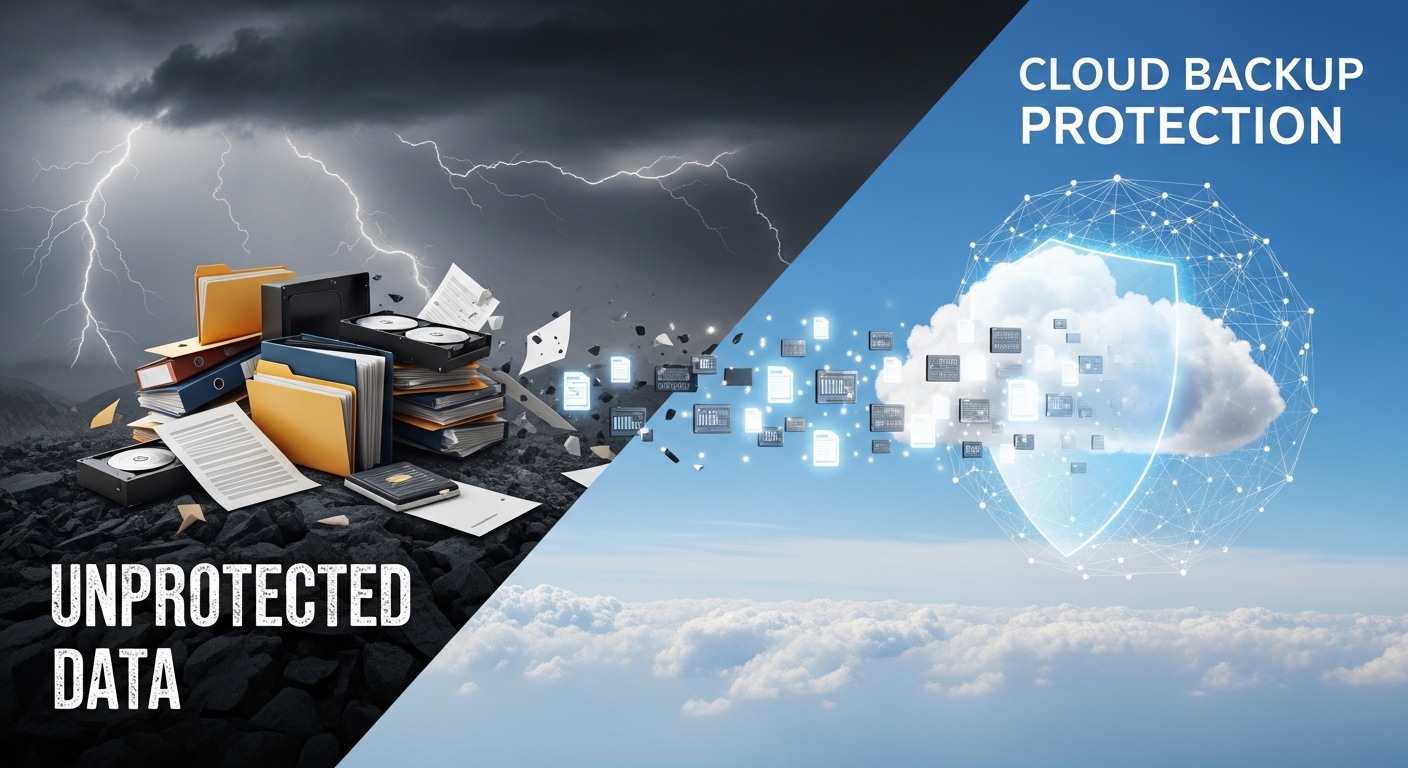
In each case, your data could be gone forever — unless you had a reliable backup.
This is where cloud backup services come in. Unlike traditional backup methods like external hard drives (which can fail, get lost, or be damaged), cloud backups store your files safely in remote, secure data centers. This means your data remains untouched even when your device is compromised — a real-world lifesaver for individuals and businesses alike.
What Is Cloud Backup?
Cloud backup services automatically save copies of your data over the internet to secure remote servers managed by a third-party provider.
These backups can include:
-
Documents
-
Photos and videos
-
App data
-
System settings
-
Business files
Once stored in the cloud, your files aren’t tied to any one physical device — so even if a device fails, your data stays intact and accessible.
1. Protection Against Data Loss — Real-Life Benefit
One of the most significant advantages of cloud backups is data safety in unexpected scenarios.
Example Situation
A user stored all family photos on a local hard drive. The drive failed and could not be repaired. Because the user had cloud backup enabled, the memories were restored quickly — no stress, no loss.
This highlights a key benefit:
You don’t lose files due to hardware failure or theft, because they are safely stored online.
2. Security Through Encryption and Access Control
Cloud services don’t just store your files anywhere — they use advanced protection methods, including:
Encryption
Files uploaded to cloud backups are encrypted:
-
In transit — while moving from your device to the cloud
-
At rest — while stored securely on remote servers
This makes it extremely difficult for cybercriminals to read your data even if they manage to access it.
Multi-Factor Authentication (MFA)
Many cloud services offer MFA, meaning:
Even if your password is stolen, attackers still can’t access your files without a second verification step.
3. Disaster Recovery and Multiple Storage Locations
Cloud backups often store your data in multiple data centers, sometimes in different regions. This ensures:
-
If one center fails due to natural disasters (fire, flood, earthquake), your data remains safe elsewhere.
-
You can recover files quickly — sometimes in minutes — after a failure.
This geographic redundancy is a fundamental reason many businesses trust cloud backups as part of their disaster recovery plans.
4. Automatic and Incremental Backups — Smart Protection
Good cloud backup services don’t just copy everything once — they use incremental backups:
They save a full backup once, then
They only backup what changed afterwards
This process:
Saves storage space
Reduces backup time
Ensures recent files are always protected
This automation means you don’t need to remember to back up — the system does it for you.
5. Easy File Versioning and Recovery
Have you ever accidentally deleted or overwrote a file, then wished you could go back to an earlier version?
Cloud backup services often store multiple versions of files. This means you can:
Restore an older version
Undo accidental changes
Recover deleted content easily
This feature alone can save enormous amounts of time and frustration for students, professionals, and businesses.
6. Protection Against Ransomware and Cyber Threats
Ransomware attacks — where hackers encrypt your files and demand payment — are becoming more common. Without backups, victims might feel forced to pay.
With cloud backups:
You restore files from a clean copy
You don’t negotiate with attackers
Downtime is minimized
Financial loss is reduced
This practical benefit makes cloud backups one of the strongest defenses against modern cyber threats.
7. Real-World Cost Benefits Compared to Traditional Backup
Traditional backups (like hard drives or USBs) have limitations:
Devices fail
Space fills up
Requires manual updates
Costs increase with size
Cloud backups, on the other hand, offer:
Pay-as-you-go plans
Easy scalability (grow storage as needed)
No hardware costs
No maintenance headaches
This makes them ideal for both individuals and businesses.
Best Practices for Using Cloud Backup Services
To maximize protection:
Enable Automatic Backups
Don’t rely on memory — automation protects you.
Use Strong Passwords + MFA
Protect your account from unauthorized access.
Review Version History
Ensure important files are recoverable in multiple versions.
Test Recovery Occasionally
Practice restoring files so you know how it works when needed.
Cloud backup services protect your files in ways that traditional storage can’t.
From encrypting your data and storing multiple versions, to ensuring disaster recovery and protecting against ransomware — the benefits are both practical and critical in the digital age.
Whether you’re saving family photos or safeguarding business documents, cloud backup transforms how data is secured and restored — with peace of mind, convenience, and real-world protection.
Frequently Asked Questions
Q1: Can cloud backups be hacked?
Most cloud providers use strong encryption and security best practices. Maintaining unique passwords and MFA adds a further layer of protection.
Q2: What happens if my cloud provider goes out of business?
Most services allow you to download your backups and move to another provider before closure.
Q3: Are cloud backups faster than external drives?
They depend on internet speed but offer the advantage of remote access and global availability.
Q4: Is cloud backup better than local backup?
Both have advantages, but cloud backups reduce risk of physical damage or loss.