Choosing the right laptop for work or study can feel overwhelming. With so many models, specifications, and features available, it is easy to get confused about what truly matters. The right laptop should match your daily tasks, performance needs, and budget without unnecessary extras.
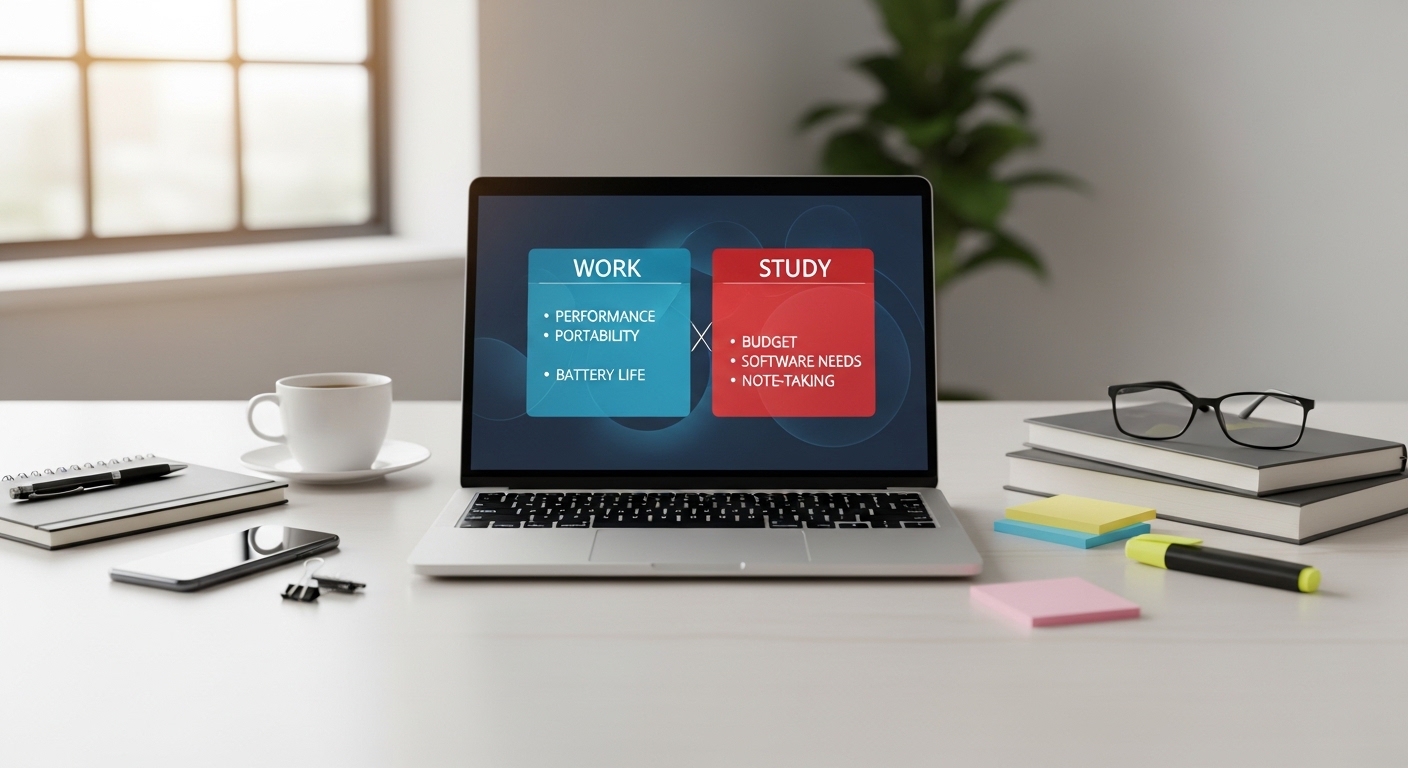
This guide explains the key factors you should consider before buying a laptop. Whether you are a student, remote worker, or professional, understanding these fundamentals will help you make a practical and informed decision.
1. Identify Your Main Purpose
Before comparing specifications, ask yourself a simple question: What will I mainly use this laptop for?
Different tasks require different levels of performance:
-
Basic tasks: Web browsing, email, document editing
-
Office work: Spreadsheets, video meetings, presentations
-
Creative work: Graphic design, video editing, 3D modeling
-
Technical tasks: Programming, data analysis
-
Online learning: Virtual classes, research, assignments
If your work involves mainly browsing and document editing, you do not need high-end hardware. However, creative or technical tasks require stronger performance components.
2. Understand the Processor (CPU)
The processor, often called the CPU, is the brain of the laptop. It determines how fast your system performs tasks.
In general:
-
Entry-level processors are suitable for light tasks.
-
Mid-range processors are ideal for office work and multitasking.
-
High-performance processors are needed for video editing, gaming, or heavy software use.
For most students and office workers, a mid-range processor provides a good balance between performance and energy efficiency.
3. Choose the Right Amount of RAM
RAM (Random Access Memory) affects how smoothly your laptop runs multiple applications at the same time.
Here’s a general guideline:
-
8GB RAM: Suitable for most students and office tasks.
-
16GB RAM: Better for multitasking, programming, and creative work.
-
32GB or more: Usually needed for professional-level editing or specialized software.
If you often work with many browser tabs and applications open at once, higher RAM can significantly improve performance.
4. Storage: SSD vs HDD
Storage determines how quickly your laptop boots up and loads applications.
-
HDD (Hard Disk Drive): Slower but usually offers more storage for lower cost.
-
SSD (Solid-State Drive): Much faster, quieter, and more reliable.
For work or study, an SSD is strongly recommended. It improves system responsiveness and reduces loading times.
A common practical choice is:
-
256GB SSD for basic use
-
512GB SSD for heavier file storage
5. Screen Size and Display Quality
Screen size affects portability and comfort.
-
13–14 inches: Lightweight and portable, ideal for students.
-
15–16 inches: Better for multitasking and productivity.
-
17 inches: Larger workspace but less portable.
Also consider:
-
Resolution (Full HD is generally sufficient)
-
Brightness level
-
Anti-glare coating for long working hours
If you spend many hours reading or writing, display comfort is extremely important.
6. Battery Life
For students or remote workers, battery life plays a major role.
Look for:
-
At least 6–8 hours for daily portability
-
Energy-efficient processors
-
Fast charging support if possible
Battery performance may vary depending on usage, but manufacturers usually provide estimated durations.
7. Build Quality and Portability
If you carry your laptop daily, weight and durability matter.
Consider:
-
Lightweight design (under 1.8 kg for portability)
-
Solid build materials
-
Comfortable keyboard for typing
-
Quality trackpad
For frequent travel or campus use, portability should be a priority.
8. Operating System
The operating system affects software compatibility and user experience.
Common options include:
-
Windows – Flexible and widely compatible
-
macOS – Optimized ecosystem and design-focused workflow
-
ChromeOS – Lightweight and web-focused usage
Choose the system that supports the applications you need for work or study.
9. Connectivity and Ports
Ensure the laptop includes the ports and connections you require:
-
USB ports
-
HDMI output
-
Headphone jack
-
Wi-Fi 6 support (for faster wireless connectivity)
-
Bluetooth for accessories
If you use external monitors or storage devices, port availability becomes essential.
10. Budget Considerations
A higher price does not always mean better value. Instead of choosing the most expensive model, focus on specifications that match your needs.
For general work or study:
-
Mid-range laptops often offer the best balance of price and performance.
-
Avoid paying for high-end graphics or advanced features if you do not need them.
Making a needs-based decision helps you avoid overspending.
Common Mistakes to Avoid
-
Buying based only on brand reputation
-
Choosing the lowest price without checking specifications
-
Ignoring battery life
-
Overestimating your performance needs
-
Forgetting to check upgrade options
A careful comparison saves both money and future frustration.
Conclusion
Choosing the right laptop for work or study is about understanding your needs and matching them with the right specifications. Focus on the processor, RAM, storage type, battery life, and portability rather than marketing claims.
By evaluating your daily tasks and selecting balanced hardware, you can find a laptop that supports productivity, learning, and long-term reliability.
FAQ
1. Is 8GB RAM enough for students?
Yes, 8GB RAM is generally sufficient for web browsing, online classes, and document editing.
2. Should I choose SSD over HDD?
For most users, SSD is recommended because it provides faster performance and improved system responsiveness.
3. How much storage do I need for study purposes?
For typical academic work, 256GB to 512GB SSD is usually adequate.
4. Does screen size affect productivity?
Yes. Larger screens can improve multitasking comfort, while smaller screens improve portability.
5. How long should a laptop last for work or study?
With proper care, a well-chosen laptop can remain effective for 4–6 years depending on usage.









