Creating a website is easier than ever, but keeping it secure requires careful planning. Whether you are building a personal blog, business site, or online portfolio, website security should be a top priority from day one.
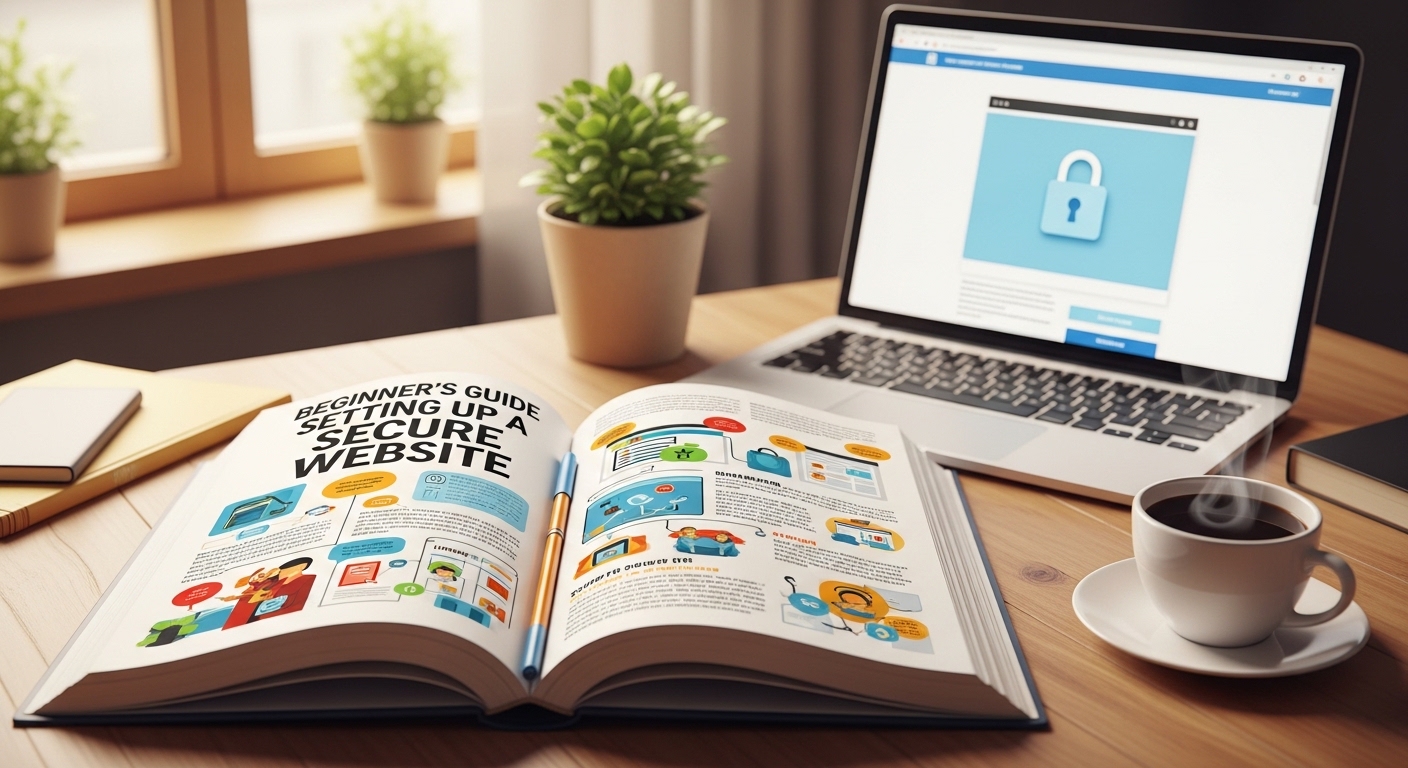
A secure website protects your data, your visitors, and your reputation. Without proper protection, websites can become vulnerable to hacking attempts, malware, and data breaches.
In this beginner’s guide, you will learn the essential steps to set up a secure website and maintain its safety over time.
Why Website Security Matters
Website security is important for several reasons:
-
Protects sensitive information
-
Prevents unauthorized access
-
Maintains website performance
-
Builds visitor trust
-
Helps with search engine credibility
Search engines also prefer secure websites, especially those using HTTPS encryption.
Step 1: Choose a Secure Web Hosting Provider
Your hosting provider plays a major role in your website’s security.
Look for hosting services that offer:
-
SSL certificates
-
Regular backups
-
Firewall protection
-
Malware scanning
-
DDoS protection
-
24/7 technical support
Reliable hosting reduces the risk of server-level vulnerabilities.
Step 2: Install an SSL Certificate
An SSL (Secure Sockets Layer) certificate encrypts data transferred between your website and its visitors.
You can recognize secure websites by:
-
The “https://” in the address bar
-
A padlock icon next to the domain name
SSL encryption protects login credentials, contact forms, and other user data from interception.
Most modern hosting providers offer free SSL certificates.
Step 3: Use Strong Passwords and Two-Factor Authentication
Weak passwords are one of the most common causes of website breaches.
Best practices include:
-
Use at least 12–16 characters
-
Combine uppercase, lowercase, numbers, and symbols
-
Avoid common words or personal information
-
Change passwords periodically
Enabling two-factor authentication (2FA) adds an extra layer of protection by requiring a secondary verification step.
Step 4: Keep Software and Plugins Updated
Outdated software is a major security risk.
This includes:
-
Content Management Systems (CMS)
-
Themes
-
Plugins
-
Extensions
Updates often include security patches that fix known vulnerabilities. Make it a habit to check for updates regularly.
Step 5: Install a Website Firewall
A Web Application Firewall (WAF) helps filter malicious traffic before it reaches your site.
A firewall can:
-
Block suspicious IP addresses
-
Prevent brute-force attacks
-
Stop common injection attacks
-
Reduce spam submissions
Many hosting providers include firewall options, or you can install security plugins for additional protection.
Step 6: Perform Regular Backups
Backups are essential in case something goes wrong.
You should:
-
Schedule automatic daily or weekly backups
-
Store backups in a secure external location
-
Test backup restoration periodically
If your site is compromised, backups allow you to restore it quickly.
Step 7: Limit User Permissions
Not every user needs full administrative access.
Use role-based permissions:
-
Administrator
-
Editor
-
Author
-
Subscriber
Limiting permissions reduces the risk of accidental or intentional misuse.
Step 8: Monitor Your Website Activity
Monitoring tools help you detect unusual behavior early.
Look for:
-
Unknown login attempts
-
Sudden traffic spikes
-
Unauthorized file changes
-
Suspicious outgoing emails
Early detection can prevent larger security issues.
Common Website Security Mistakes to Avoid
-
Ignoring updates
-
Using free, unverified plugins
-
Not enabling HTTPS
-
Sharing admin access carelessly
-
Skipping backups
Avoiding these mistakes significantly improves your website’s protection.
Long-Term Website Security Maintenance
Website security is not a one-time task. It requires ongoing attention.
Create a simple monthly checklist:
-
Review user accounts
-
Update all software
-
Scan for malware
-
Check backup integrity
-
Test login security
Consistency is key to maintaining a secure environment.
Conclusion
Setting up a secure website may seem complex at first, but following structured steps makes the process manageable.
By choosing reliable hosting, enabling SSL encryption, maintaining strong passwords, updating software, and performing regular backups, you significantly reduce security risks.
A secure website protects your content, your visitors, and your credibility. Starting with strong security foundations ensures long-term stability and trust.
FAQ
1. Do I really need SSL for a small website?
Yes. SSL encryption protects user data and improves trust, even for small websites.
2. How often should I back up my website?
For active websites, daily or weekly backups are recommended.
3. Can free security plugins protect my website?
Some free tools offer basic protection, but premium solutions often provide more advanced features.
4. What is the most common cause of website hacking?
Weak passwords and outdated software are among the most common causes.









