In today’s digital world, most of us have dozens — or even hundreds — of online accounts: email, banking, social media, work tools, shopping sites, streaming platforms, and more.
Keeping track of strong, unique passwords for each of them can feel overwhelming — and most people end up using the same simple password everywhere.
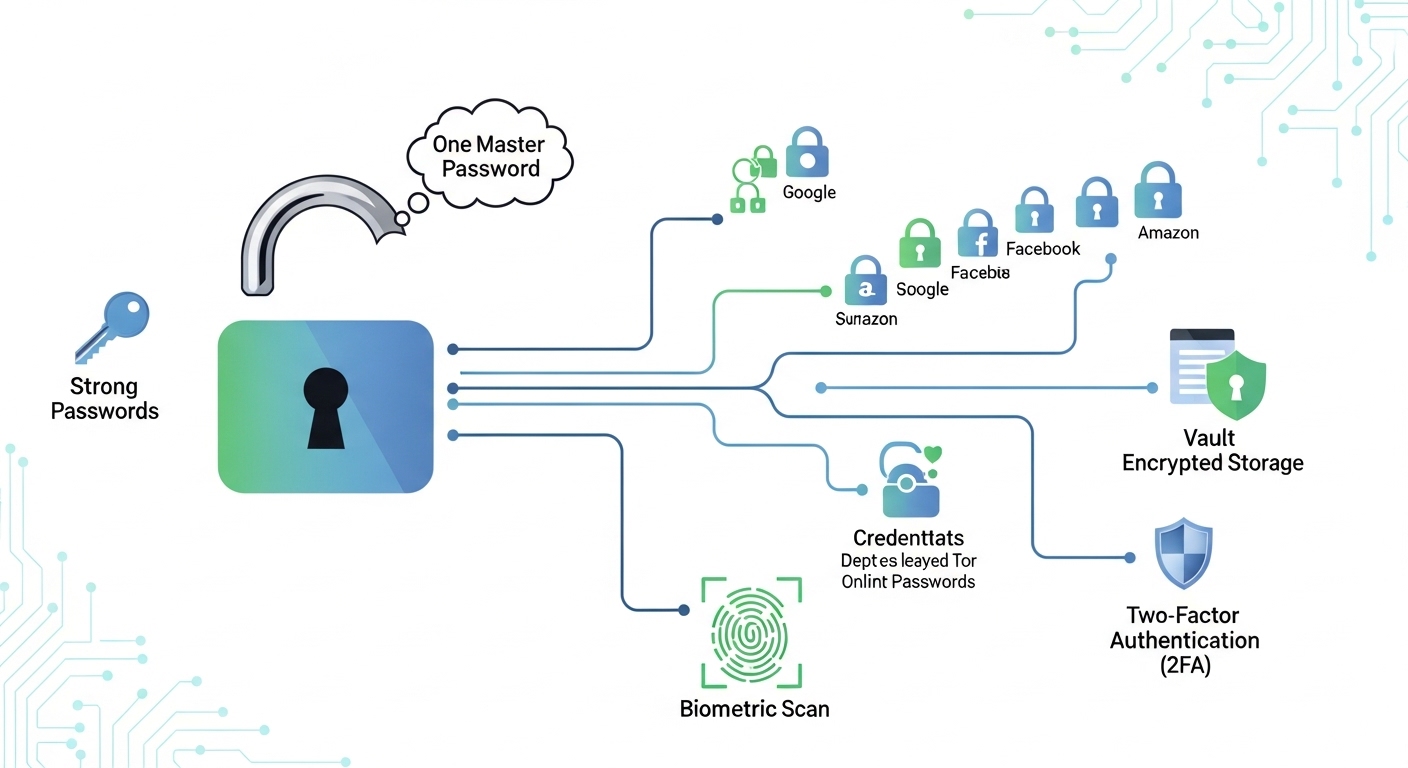
This is where password managers come in. They not only store your passwords but protect your accounts from real-world threats using advanced security methods.
we’ll walk through how password managers protect your online accounts, with:
-
real examples,
-
expert tips,
-
practical advice,
-
common mistakes to avoid
This isn’t just theory — it’s information you can use today.
Why Weak Passwords Are Dangerous — Real Scenarios
Before explaining how password managers help, let’s look at the problem:
Real-world Case #1: Credential Stuffing Attack
John used the same password for:
-
his email
-
online bank
-
social media
-
shopping site
One of those platforms got hacked, and his email/password leaked. Attackers tried that same password on other sites (credential stuffing), and gained access to his bank account.
Lesson: Using one password on multiple sites is one of the easiest ways for hackers to break in — and it happens every day.
Real-world Case #2: Simple Password Targeted by Hackers
Maria used “Password123” for most accounts. Hackers easily cracked it using automated tools.
In less than 5 minutes:
Her email was compromised
Her social media was taken over
Her cloud storage was accessed
Lesson: Hackers don’t need special skills — they use tools that crack weak passwords in seconds.
What Is a Password Manager?
A password manager is a secure digital vault that:
Stores all your credentials
Generates strong, unique passwords
Fills them in automatically on websites/apps
Instead of remembering tens of passwords, you remember one master password.
How Password Managers Actually Protect Your Accounts
Let’s break down the security benefits — with practical explanations:
1. Unique Strong Passwords for Every Account
Most people reuse passwords.
Password managers:
generate random passwords like hV8!qL#92pX@
avoid easy patterns like “12345” or birthdays
This eliminates the biggest security risk online: password reuse.
2. Encryption — The Core Security Feature
All passwords are stored in encrypted form:
Encryption means…
Even if someone steals your password database,
they can’t read it without the encryption key.
Think of it as a locked safe:
Only YOU have the key (your master password).
No one else — not even the password manager company — can see your passwords.
3. Secure Sync Across Devices
Good password managers sync your data securely between:
laptops
mobile phones
tablets
They use secure communication protocols — not email or cloud notes — meaning passwords never sit in plaintext.
4. Automatic Protection Against Keyloggers
Keyloggers track what you type (including passwords).
Password managers auto-fill credentials so you do not type passwords manually, reducing exposure to keyloggers.
5. Alerts for Compromised Passwords
Many password managers check breached password databases.
If a password appears in a known leak:
You get an alert
You can change it immediately
This proactive defense prevents future account compromises.
Practical Tips for Using Password Managers Safely
Use a Master Password Only You Know
It should be long, unique, and memorable to you but not guessable by others.
Example:
“PurpleCloud!Leaves87$”
“MyBirthday2025”
Enable Two-Factor Authentication (2FA)
This adds an extra layer of protection:
When logging in, you need:
password
a code from your phone
Even if someone steals your password, they still can’t log in without the 2FA code.
Organize Your Vault With Folders/Tags
Group passwords by:
work
personal
banking
social media
This helps reduce chaos and makes review easier.
Common Mistakes to Avoid
Even with a powerful password manager, some habits still weaken security:
Using the Same Master Password Elsewhere
If a hacker gets your master password from any other site, they get full access.
Storing the Master Password in an Unprotected Note
Never save it in plain text anywhere else.
Relying on Browser Password Storage Alone
Browser storage is better than nothing but less secure than dedicated tools.
Comparison — Password Manager vs Browser Password Storage
| Feature | Password Manager | Browser Storage |
|---|---|---|
| Encryption | Strong | Limited |
| Cross-device sync | Secure | Less Secure |
| Alerts for breaches | Yes | No |
| Password sharing (secure) | Yes | No |
| Auto-organize & audit | Yes | No |
Password managers provide a much stronger security foundation than relying on browser memory.
Password managers are not just tools — they are essential security systems in the digital age.
By storing strong unique passwords, encrypting your credentials, and alerting you about breaches, they protect your accounts from the most common online threats.
If you still use the same password everywhere, now is the time to change that — for your safety.
Frequently Asked Questions
Q1: Are password managers safe to use?
Yes — reputable password managers use strong encryption and advanced protections.
Q2: What happens if the password manager company gets hacked?
Encrypted passwords remain safe because only your master password decrypts them.
Q3: Is it hard to switch to a password manager?
No — most tools import passwords from browsers automatically.
Q4: Should I still use two-factor authentication?
Absolutely — it adds an extra layer of security.









