Introduction
In today’s digital world, software is no longer limited to installation on a single device. One of the most popular models of software delivery is SaaS, or Software as a Service. This approach allows users to access applications online, often through a web browser, without the need for extensive installations or maintenance.
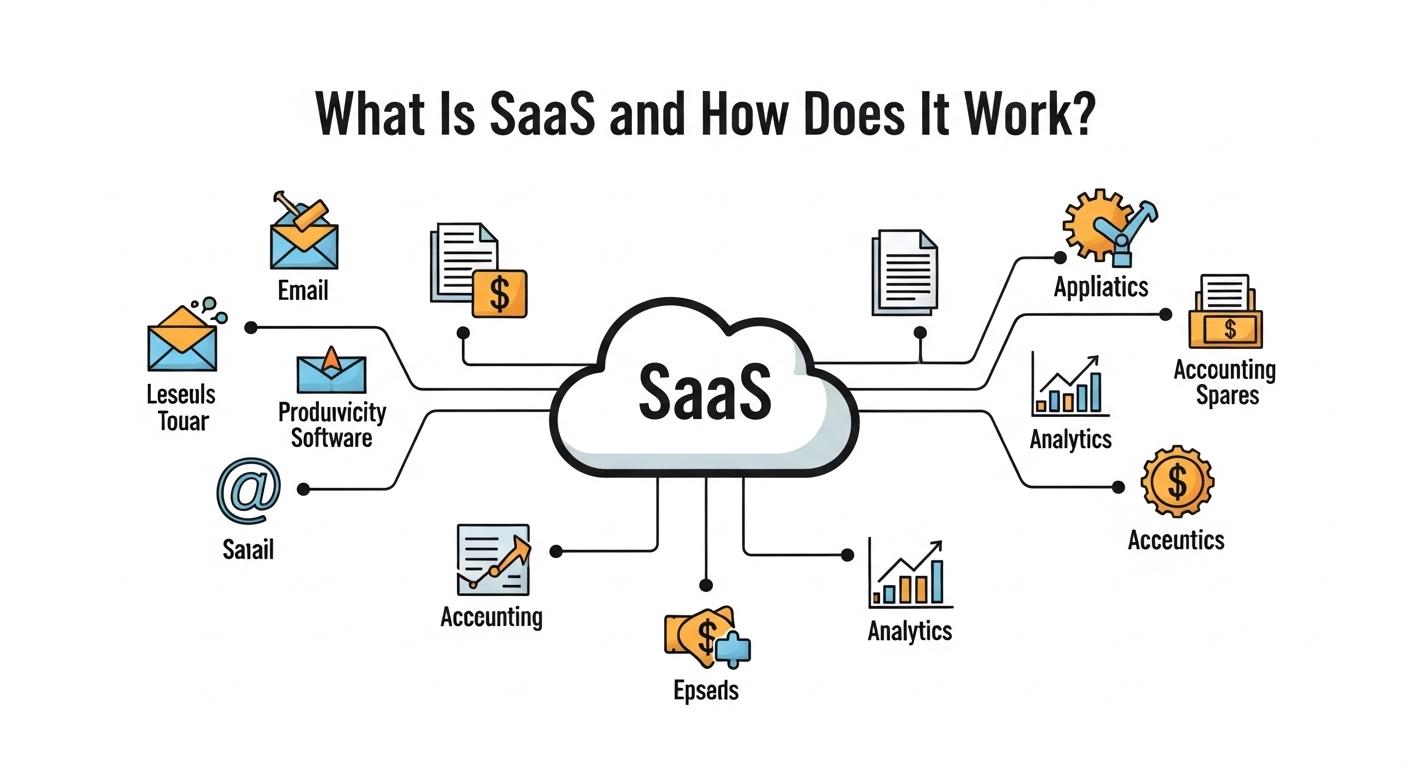
In this guide, we will explain what SaaS is, how it works, its benefits, and examples to help beginners understand this modern software model.
What Is SaaS?
SaaS stands for Software as a Service. It is a method of delivering software over the internet instead of installing it locally on a computer or server. Users can access SaaS applications through a web browser, usually via a subscription model.
Unlike traditional software, which requires updates and maintenance by the user, SaaS is managed by the provider, meaning users always have access to the latest features and security updates.
Key Features of SaaS:
-
Web-based access
-
Subscription pricing (monthly or yearly)
-
Automatic updates and maintenance
-
Scalability for multiple users
How Does SaaS Work?
SaaS applications are hosted in the cloud, which is a network of servers accessible via the internet. Here’s how it typically works:
-
User Access: Users log in through a browser or app using their credentials.
-
Cloud Hosting: The provider hosts the application on secure servers.
-
Data Storage: All data is stored in the cloud, allowing access from anywhere.
-
Maintenance & Updates: The provider handles updates, patches, and server management.
This model removes the need for local installation and reduces IT management responsibilities for companies and individuals.
Common Examples of SaaS
SaaS is widely used across various industries. Some popular examples include:
-
Google Workspace: Gmail, Docs, Sheets, and Drive
-
Microsoft 365: Word, Excel, Outlook online
-
Slack: Team communication and collaboration
-
Zoom: Video conferencing
-
Dropbox: Cloud storage and file sharing
These services show how SaaS can be applied for productivity, communication, and storage without complex installations.
Benefits of SaaS
Using SaaS comes with several advantages for both individuals and businesses:
1. Accessibility – Users can access software from any device with an internet connection.
2. Cost-Effective – Subscription pricing reduces upfront costs and eliminates hardware requirements.
3. Automatic Updates – Providers handle software updates, so users always have the latest version.
4. Scalability – SaaS solutions can easily scale to accommodate more users or additional features.
5. Collaboration – Many SaaS tools allow multiple users to work together in real-time.
Potential Challenges
While SaaS has many advantages, it’s important to consider potential limitations:
-
Internet Dependency: SaaS requires a stable internet connection.
-
Data Security: Sensitive information is stored in the cloud, so users must trust the provider.
-
Limited Customization: Some SaaS applications may not offer deep customization options.
Despite these challenges, SaaS continues to grow due to its convenience and efficiency.
How Businesses Use SaaS
Businesses use SaaS to improve efficiency, reduce IT costs, and provide better services. Examples include:
-
Customer Relationship Management (CRM): Salesforce helps companies manage customer data online.
-
Accounting Software: QuickBooks Online allows businesses to track finances in the cloud.
-
Marketing Platforms: HubSpot offers marketing automation and analytics tools.
SaaS enables businesses to focus on core activities while leaving software management to providers.
Future of SaaS
The SaaS market continues to expand, driven by:
-
Increased remote work and cloud adoption
-
Growth in small businesses needing affordable software
-
Integration with AI and machine learning for smarter solutions
The future of SaaS looks promising, offering more automation, collaboration, and AI-powered insights.
Conclusion
SaaS, or Software as a Service, has transformed how individuals and businesses use software. By providing cloud-based access, scalability, and automatic updates, SaaS simplifies software management and reduces costs. Understanding SaaS is essential in today’s tech-driven world, whether for personal productivity or business operations.
FAQ
Q1: Is SaaS only for businesses?
A1: No, SaaS is used by both individuals and businesses. Many services like Google Workspace or Dropbox cater to personal users as well.
Q2: Do I need to install anything to use SaaS?
A2: Generally, no. Most SaaS applications are accessed via a web browser, though some offer optional apps.
Q3: Is SaaS safe for sensitive data?
A3: Reputable SaaS providers implement strong security measures, but users should follow best practices for data protection.
Q4: Can I use SaaS offline?
A4: Most SaaS applications require an internet connection, but some provide limited offline functionality.









