Introduction
Cloud storage has become an essential part of both personal and business computing. From saving photos on your phone to backing up company data, cloud storage allows users to store and access files over the internet instead of relying solely on physical drives.
In this guide, we’ll explain what cloud storage is, how it works, its benefits, different types, and tips for choosing a safe provider.
What Is Cloud Storage?
Cloud storage is a technology that allows users to save digital data on remote servers instead of storing it locally on your computer or mobile device. These servers are managed by cloud service providers, such as Google Drive, Dropbox, or Microsoft OneDrive.
When you upload a file to the cloud:
-
It is transferred over the internet to the provider’s servers.
-
The file is stored securely and can be accessed from anywhere with an internet connection.
-
Data is usually encrypted to protect privacy and prevent unauthorized access.
How Cloud Storage Works
Cloud storage combines several key technologies:
-
Servers and Data Centers: Physical machines that store your files in secure locations.
-
Internet Connectivity: Allows files to be uploaded and retrieved from anywhere in the world.
-
Redundancy Systems: Copies of your data are stored on multiple servers to prevent loss.
-
Encryption and Security: Ensures that your files remain private and protected from unauthorized access.
Types of Cloud Storage
There are several ways cloud storage is provided, each suited for different needs:
-
Public Cloud Storage
-
Managed by third-party providers (e.g., Google Drive, Dropbox)
-
Accessible from any device
-
Cost-effective for individuals and small businesses
-
-
Private Cloud Storage
-
Owned and managed by a single organization
-
Higher security and customization
-
Often used by enterprises handling sensitive data
-
-
Hybrid Cloud Storage
-
Combines public and private cloud features
-
Balances cost, security, and accessibility
-
-
Personal Cloud Storage
-
Consumer-focused services for photos, documents, and backups
-
Examples: iCloud, OneDrive, Google Photos
-
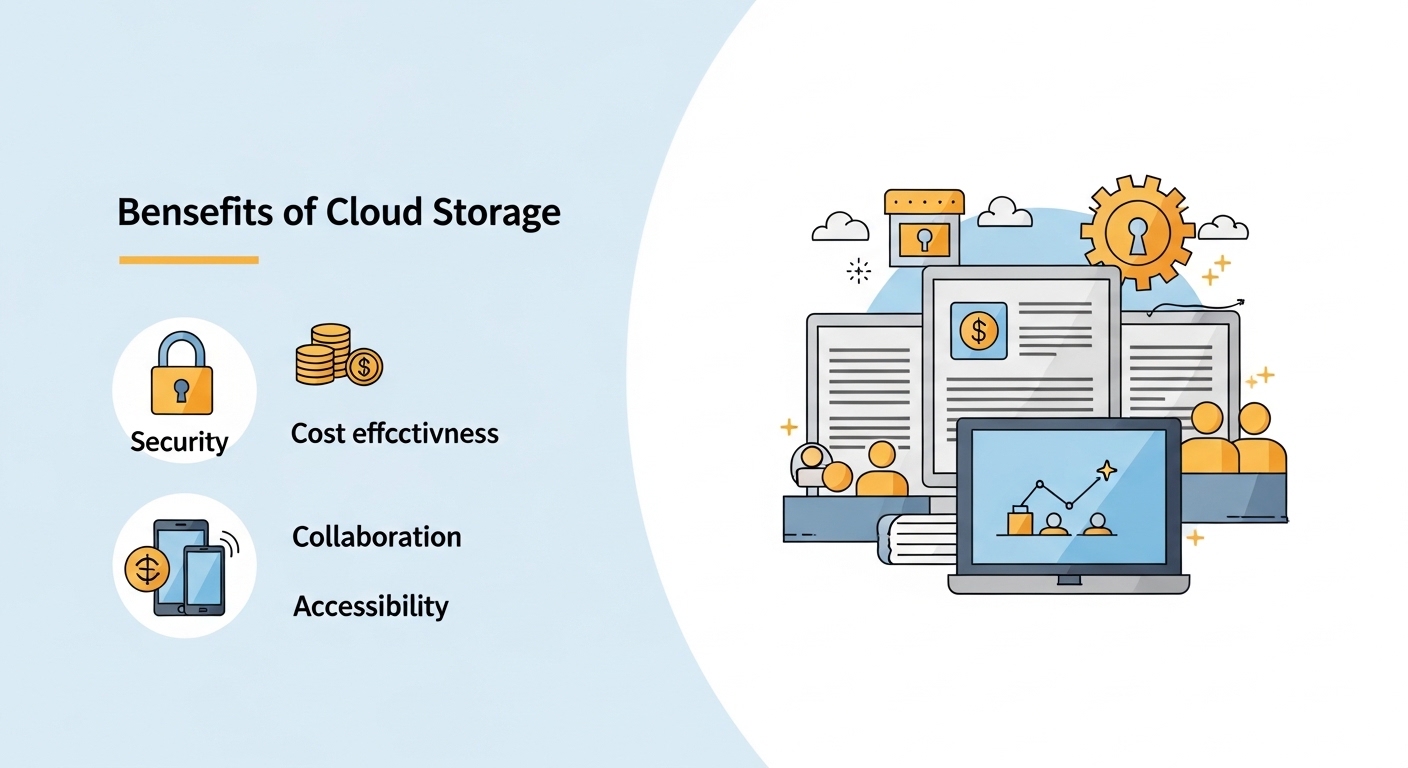
Benefits of Using Cloud Storage
Cloud storage offers several advantages over traditional storage methods:
-
Accessibility: Access your files from any device connected to the internet.
-
Data Backup: Automatic backup reduces the risk of data loss.
-
Cost-Effective: Avoid the expense of physical drives and maintenance.
-
Collaboration: Easily share files and collaborate in real time.
-
Scalability: Storage capacity can increase as your needs grow.
Tips for Choosing a Cloud Storage Provider
Choosing the right provider ensures that your data is secure and easy to manage. Consider these factors:
-
Security Measures: Look for encryption and two-factor authentication.
-
Storage Limits: Evaluate free vs. paid plans and how much space you need.
-
Ease of Use: The interface should be simple and accessible.
-
Compatibility: Works with your devices and operating systems.
-
Reputation: Choose a trusted provider with positive reviews and reliable uptime.
Common Mistakes to Avoid
-
Ignoring Security Settings: Not enabling encryption or strong passwords.
-
Overlooking Backups: Relying solely on the cloud without local backups.
-
Choosing the Cheapest Option: Lower cost may compromise features or reliability.
Conclusion
Cloud storage simplifies the way we save, access, and share data. By understanding how it works, the different types available, and how to choose a secure provider, you can safely and effectively manage your digital information. Whether for personal use or business purposes, cloud storage is a practical, flexible, and secure solution in today’s digital world.
FAQ (Boosts SEO & AdSense Approval)
Q1: Is cloud storage safe?
A1: Yes, most cloud providers use encryption and security measures to protect data. Using strong passwords and two-factor authentication improves safety.
Q2: Can I access my files offline?
A2: Some cloud services allow offline access, but files need to be synced or downloaded first.
Q3: Is cloud storage expensive?
A3: Many providers offer free tiers with limited storage. Paid plans scale with your needs, often more affordable than physical storage.
Q4: How do I choose the best cloud storage provider?
A4: Consider security, storage capacity, ease of use, compatibility, and provider reputation.









